29
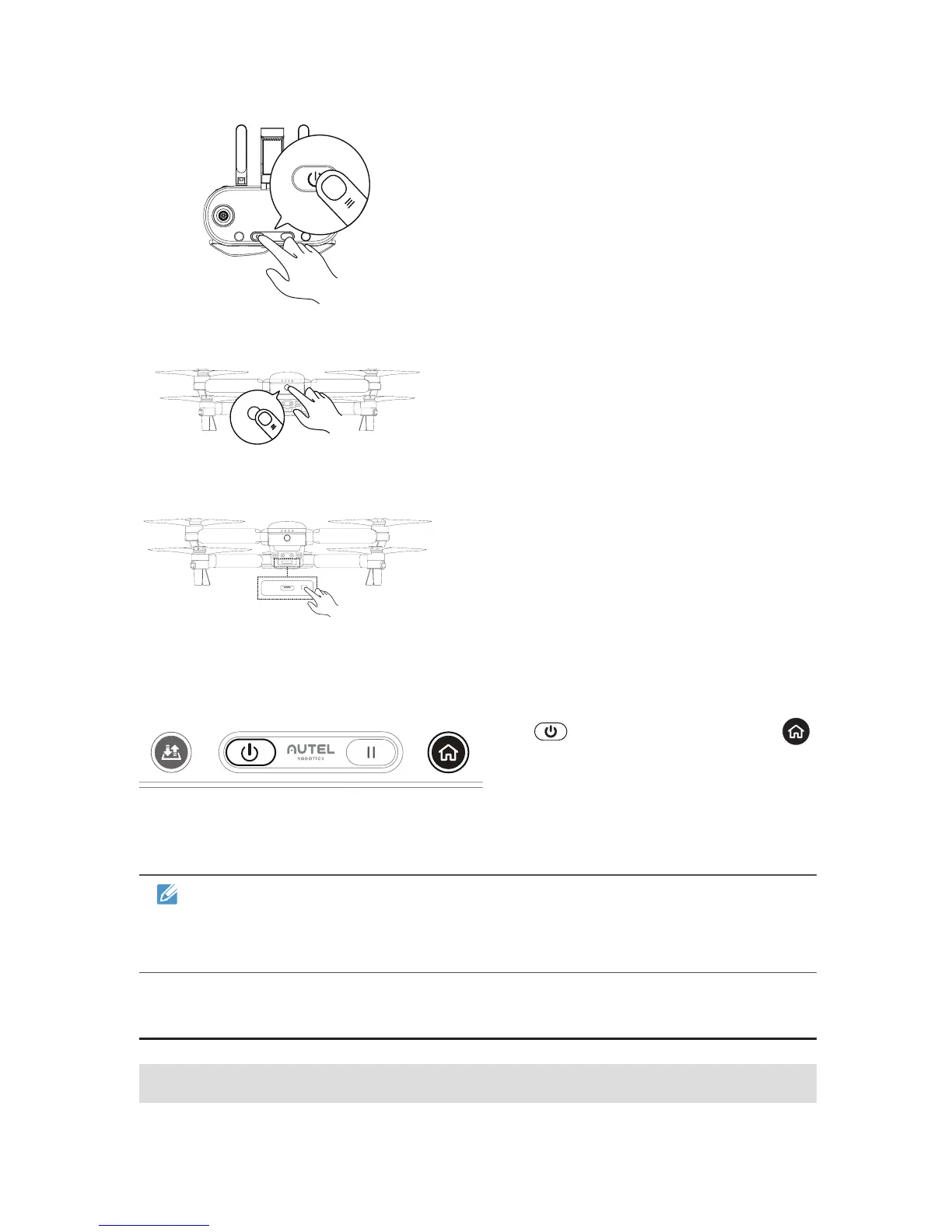
1. Turn off the remote control.
2. Remove the gimbal guard rst
then turn on the aircraft.
3. Press and hold the Remote
Control Pairing Button for about
3 seconds. The Pairing Indicator
will ash quickly, indicating the
aircraft is ready to pair with the
remote control.
4. Press and hold the Power Button
( ) and Go Home Button ( )
simultaneously for 2 seconds until
“Autel” appears on the Flight
Information Panel. The Pairing
Indicator will turn off once your
pairing is successful.
NOTE
You may also use the app to pair the aircraft and remote control. The
instructions are available in the App Manual.
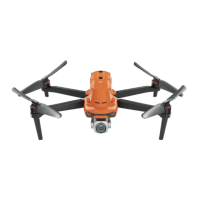
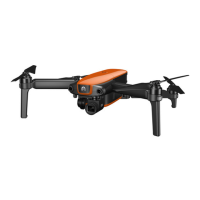
3.3 Aircraft Preparation
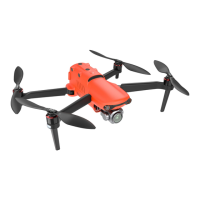
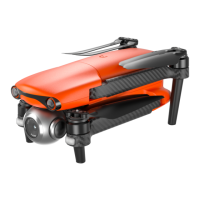
3.3.1 Unfolding the Aircraft



 To Next Page