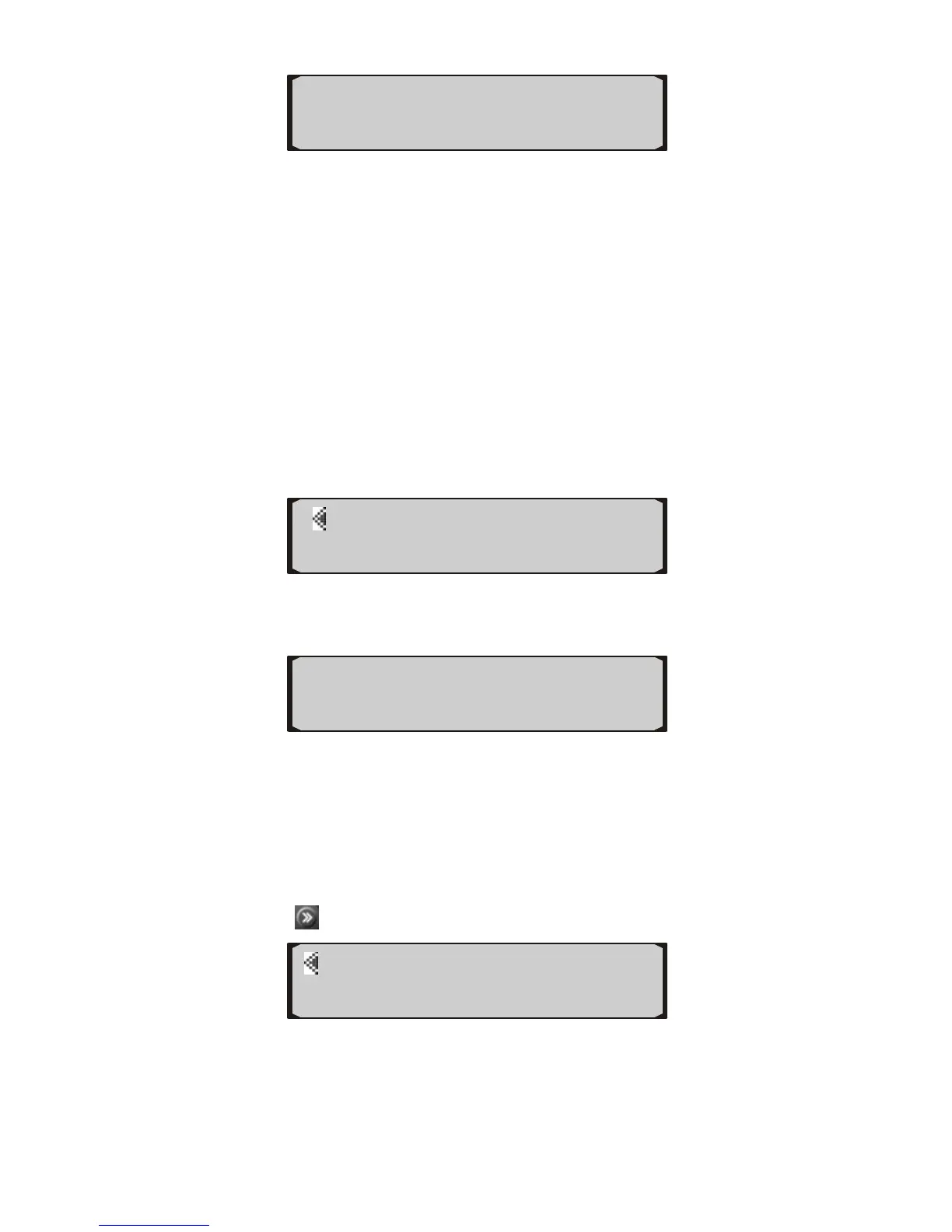
SMP Rate SAVE►
4) Use the upper left or upper right button to select a sampling
rate between “NORMAL” and “SLOW”, and press SAVE
button.
• NORMAL is the factory default rate. If this causes some
updates to be skipped or irregular operation, SLOW should
be used. NORMAL can be used in PWM and all the CAN
vehicles, and SLOW should be used in VPW, ISO and KWP
vehicles. Observe the protocol type of your vehicle detected
by the auto computer in the screen when it links to the vehicle.
5) To change recording rate, press the button next to REC
RATE.
SMP RATE
◄REC RATE
6) Use the upper left and upper right button to change, and press
SAVE button to save the setup.
◄ 3 Seconds ►
REC Rate SAVE►
• When the recording rate is set to “2 Seconds” the auto
computer is able to record up to 150 hours of driving data;
when it is set to “3 Seconds” it can record a maximum of 300
hours of data.
Display
1) Press
from home screen twice.
SPEED DISPLAY►
◄ABOUT DEFAULT►
2) Press the button next to DISPLAY.
10


 To Next Page