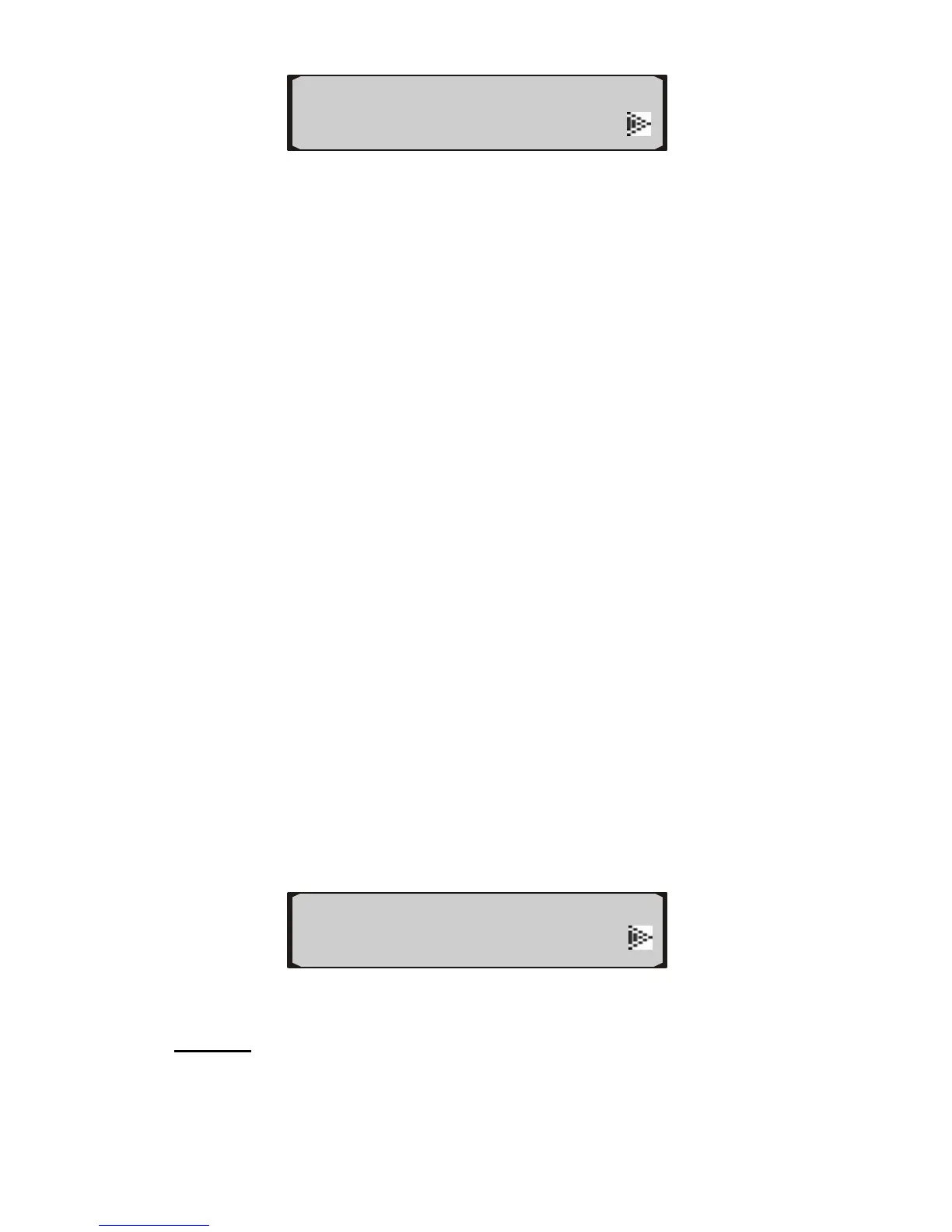
◄TRIP GAUGE►
◄SCAN SETUP
z The HOME screen is defaulted to display 4 menu
options as shown in the figure above. It can be set to
show the CURRENT trip information also. HOME
screen hereafter in the manual refers to the default
setting.
2.6 Setup
The auto computer allows you to make following adjustments and
settings:
1) Fuel: Selects the fuel type your vehicle uses.
2) Engine: Sets up engine size.
3) Size: Selects tank size of the vehicle
4) Unit: Changes unit of measure.
5) Time: Adjusts time displayed by the auto computer.
6) Rate: Sets sampling and recording rate.
7) Display: Sets contrast, display mode and home screen of the
tool.
8) Default: Resets all units, engine displacement, engine type,
tank size, gauge settings, trip data and screen settings to
manufacturer defaults. But VBB will not be cleared.
• The auto computer uses flash memory to save settings, so they
will not be lost when the tool is disconnected from the vehicle.
To enter setup menu
1) Press the button next to SETUP to perform various setups.
◄TRIP GAUGE►
◄SCAN SETUP
A. Vehicle Setup
NOTE: In order to get accurate data of fuel economy, distance
to empty, time to empty and etc., always perform vehicle setups
if it is the first time to use the auto computer in a vehicle, it is
6


 To Next Page