e th
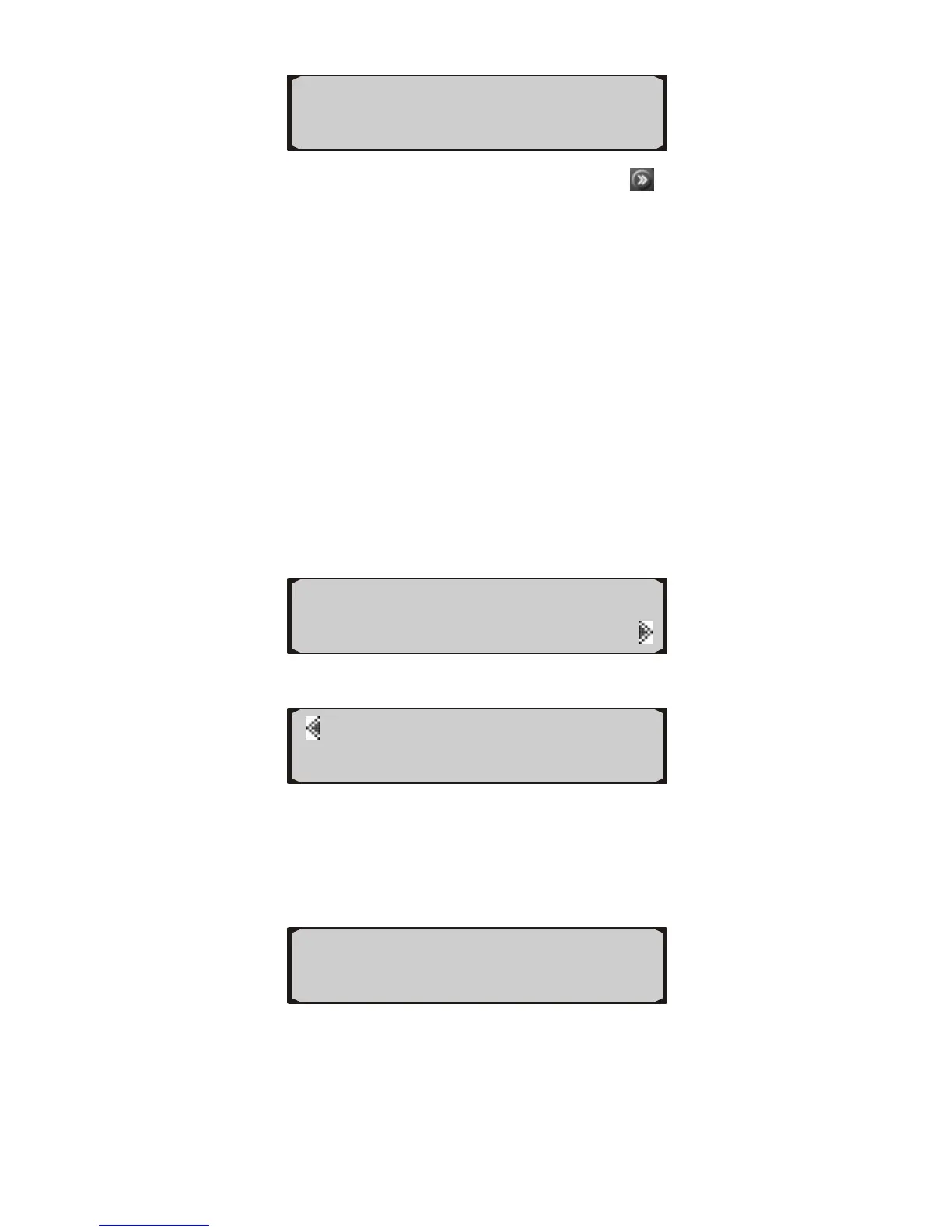
31 KPH 45 WT℃
107 RPM 45 IA℃
20
3) Us e button next to a gauge or use
change to next
z
z
5. Scan Tool
Erasing Codes
art scanning.
to
available gauges until they return to the arting ones.
The information available varies from vehicle to vehicle.
st
If the information is not available for a certain gauge, or
a reading is invalid, the trip computer shows “---”.
If the selected gauges are displayed for about 12
seconds, the trip computer records them automatically,
and shows these gauges directly when viewing gauge
readings next time.
5.1 Reading and
1) Press the button next to SCAN to st
Press the button next to DTC to view codes.
◄TRIP GAUGES ►
◄SCAN SETUP
2)
If
DTC I/M►
◄FRZD VIN►
z ow “No Codes
3) If mor e code is detected, use the lower left or lower
no codes were found, the screen will sh
Found!”
e than on
right button to view previous or next codes.
“
P1630 ERASE►
z e of currently
z
x/x” in the screen indicates sequenc
displayed code and the total number of retrieved DTCs.
If a pending code is detected, a “Pd” icon appears.
◄
P2126 Pd ERASE►
◄ 5/6
1/6 ►


 To Next Page