ase
codes, use the button next to ERASE4) To er .
rni
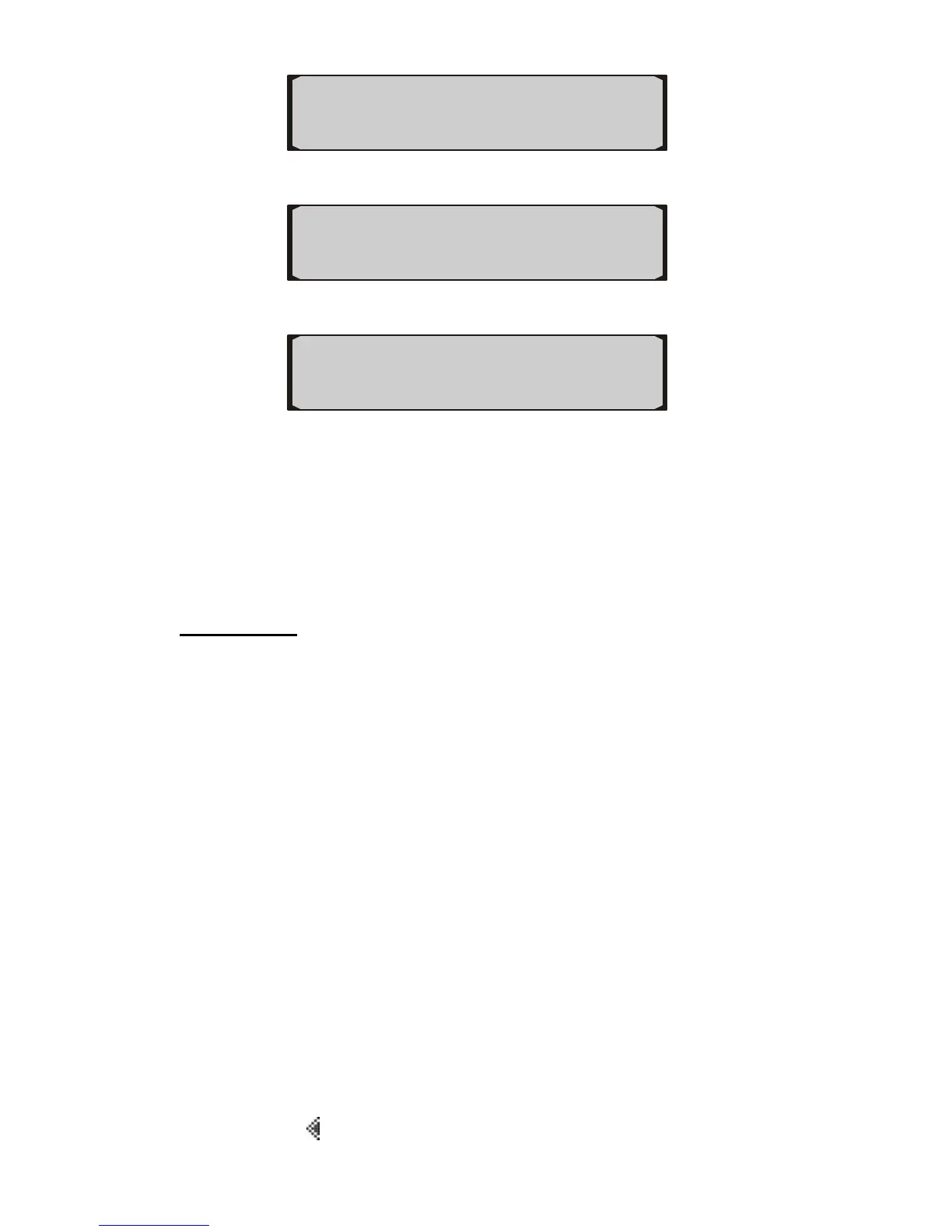
P0238 Pd ERASE►
21
5) A wa onfirmation. ng message comes up asking for your c
u w
6) If yo des are cleared
7)
AU
ish to erase codes, press YES. When co
successfully, an “Erase Done!” message comes up and the tool
rescans the vehicle to verify. If codes are not cleared, a
“Failed!” message appears.
If you do not wish to erase code, press NO button to exit, and
a “Canceled” message comes up in the screen.
C TION: Erasing the Diagnostic Trouble Codes may allow the
trip computer to delete not only the codes from the vehicle’s
on-board computer, but also “Freeze Frame” data and
manufacturer enhanced data. Further, the I/M Readiness
Monitor Status for all vehicle monitors is reset to Not Ready or
Not Complete status. Do not erase the codes before the system
has been checked completely by a technician.
Retrieving I/M Readiness Status 5.2
operations of the
1) P
◄YES NO►
◄ 6/6
Erase Codes ?
I/M Readiness function is used to check the
Emission System on OBD2 compliant vehicles.
9 “OK” -- Indicates that a particular monitor being checked has
completed its diagnostic testing.
9 “NC” -- Indicates that a particular monitor being checked has
not completed its diagnostic testing.
9 “NA” -- The monitor is not supported on that vehicle.
ress the button next to I/M to view I/M readiness status.
DTC I/M►
◄FRZD VIN►


 To Next Page