2.5 Connecting to the Vehicle
Follow steps below to connect the tool to the vehicle:
1) Connect the OBD II cable to the tool.
2) Place the tool to the position you have chosen.
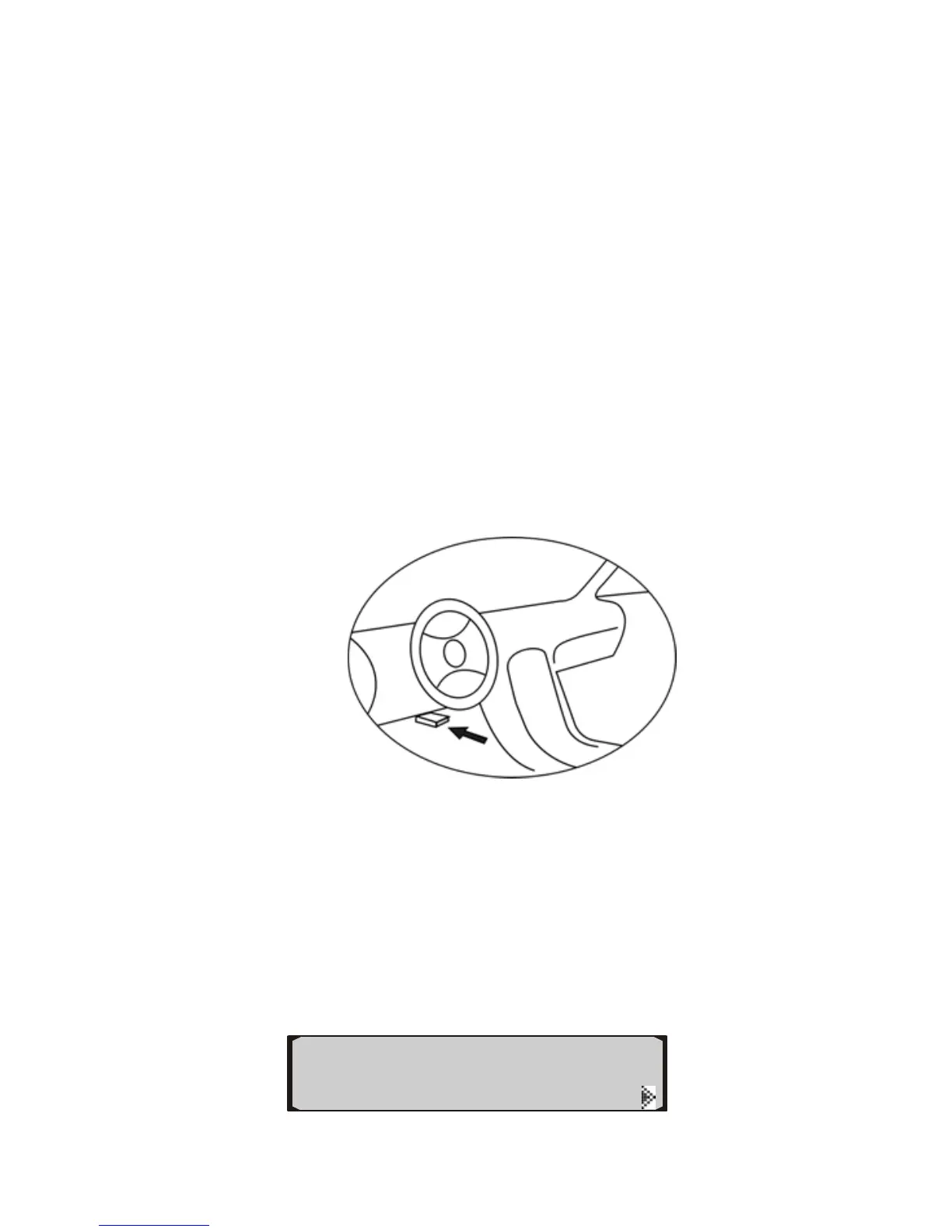
3) Locate DLC on vehicle.
• The DLC is usually located 12 inches from the center of the
instrument panel (dash), under or around the driver’s side for
most vehicles. If Data Link Connector is not located under
dashboard, a label should be there telling location. For some
Asian and European vehicles, the DLC is located behind the
ashtray and the ashtray must be removed to access the
connector. A plastic DLC cover may be found for some
vehicles and you need to remove it before plugging the OBD2
cable. If the DLC cannot be found, refer to the vehicle’s service
manual for the location.
4) Plug OBD II cable to the vehicle’s DLC.
5) Turn the ignition on. Engine can be off or running.
6) The auto computer starts to communicate with the vehicle.
If the vehicle is not OBDII compliant, a “Not Support”
message shows, and the auto computer goes to VIEW
MODE after 2 seconds. In VIEW MODE you are
allowed to view trip information and perform setups
only.
View Mode
◄


 To Next Page