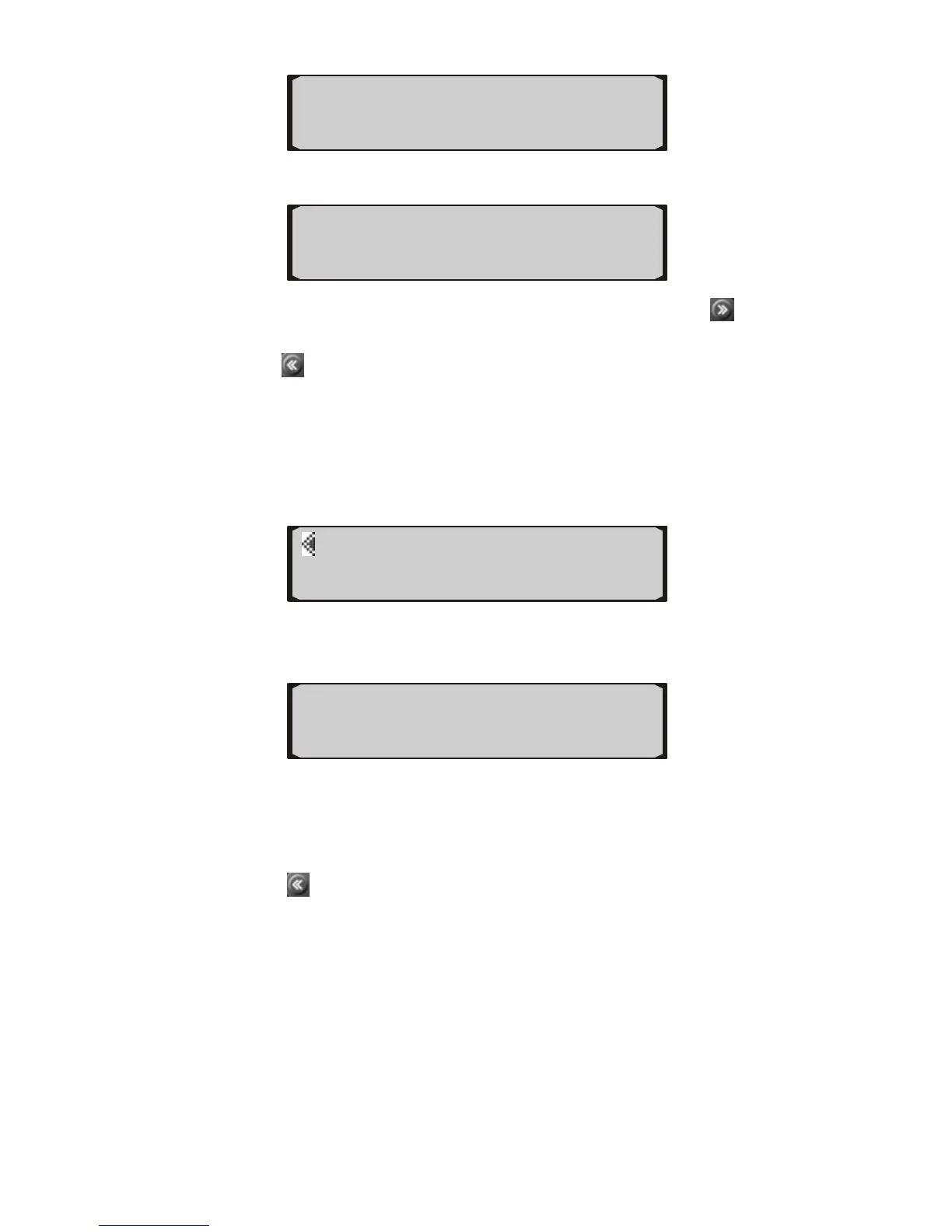
I/M
2) View readiness status on screen.
the button next to any of the items or use
22
3) Use
button to
view additional information.
4) Press
button to exit.
5.3 eading Freeze Frame Data
ZD button.
R
1) To view freeze frame data, press FR
2) Use the us or next PID lower left or right button to view previo
data.
If there is no freeze frame data ava
z b , a “No FRZD”
3) Press
ila le
message shows on the screen. Press BACK or wait a
few seconds to return.
to exit.
5.4 mber
hicle Identification No. on 2002
e information.
FUELSYS1
►
CAT
OK CAT OK H
OK EVAP OK AIR
DTC I/M►
◄FRZD VIN►
OPEN LOOP ◄
Viewing VIN Nu
The tool is able to retrieve Ve
and newer vehicles that support Mode 9.
1) Press the button next to VIN to view vehicl


 To Next Page