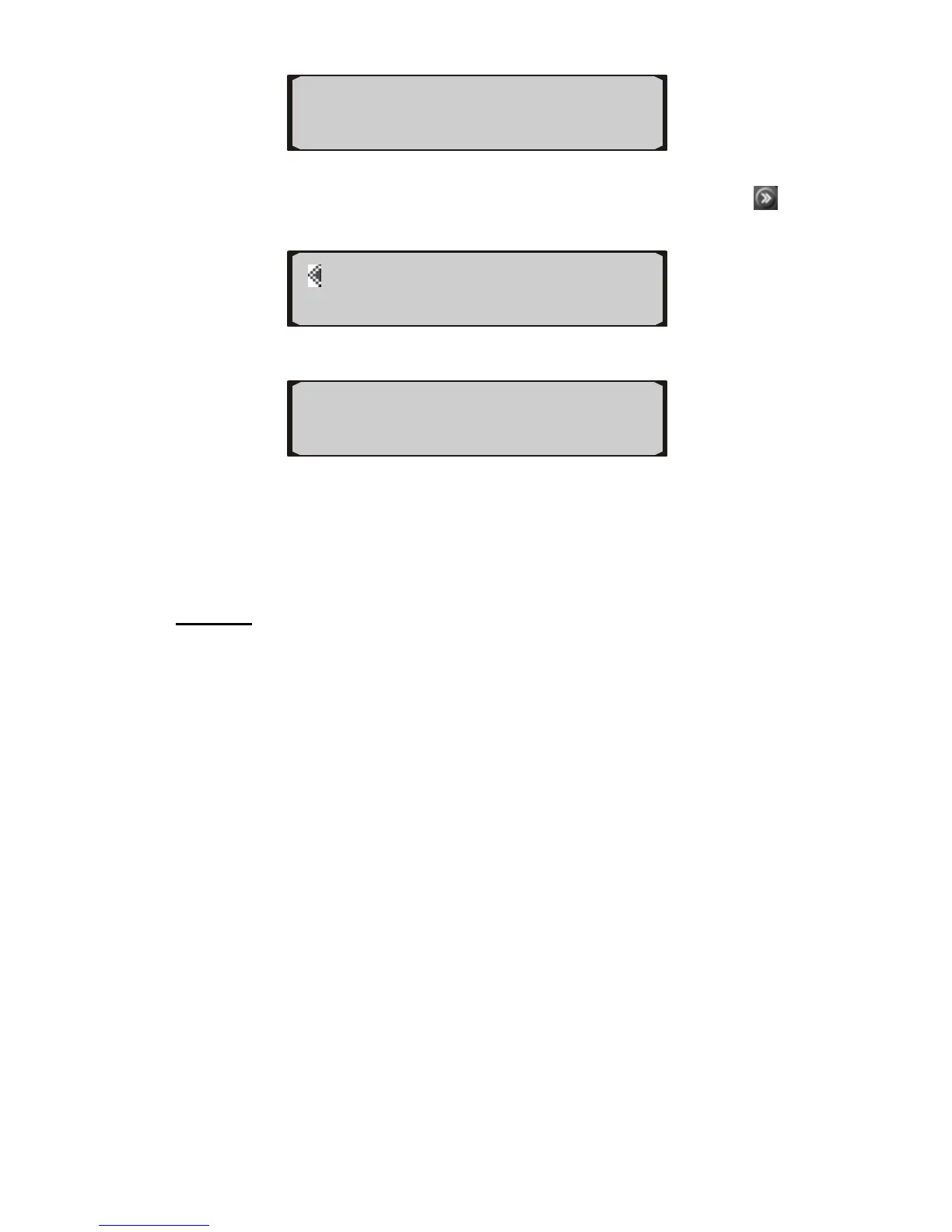
◄ 3 ►
Contrast SAVE►
Default
1) To reset the auto computer to factory defaults, press from
home screen twice.
SPEED DISPLAY►
◄ABOUT DEFAULT►
2) Press the button next to DEFAULT.
Are you sure?
◄YES NO►
3) Press YES to reset the tool to factory defaults, or press NO to
exit.
2.7 Fill-up
NOTE: In order to get more accurate fuel consumption
readings, and to get valid TANK information, use the FILLUP
function every time when your vehicle is refueled. Make sure
the tank size and fuel types are properly set before useing this
function.
1) Fill the tank in gas station and let the pump shut off
automatically.
2) Press the button next to FILLUP, and press DONE without
adjusting the indicated fuel on the first fill-up after connecting
the auto computer to the vehicle.
3) Drive your vehicle normally with the auto computer
connected.
4) When the tank is around 1/4 full, drive to the same gas station,
use the same fuel pump, fill up the tank at the same rate and
let it shut off automatically.
5) Press the button next to FILLUP.
12


 To Next Page