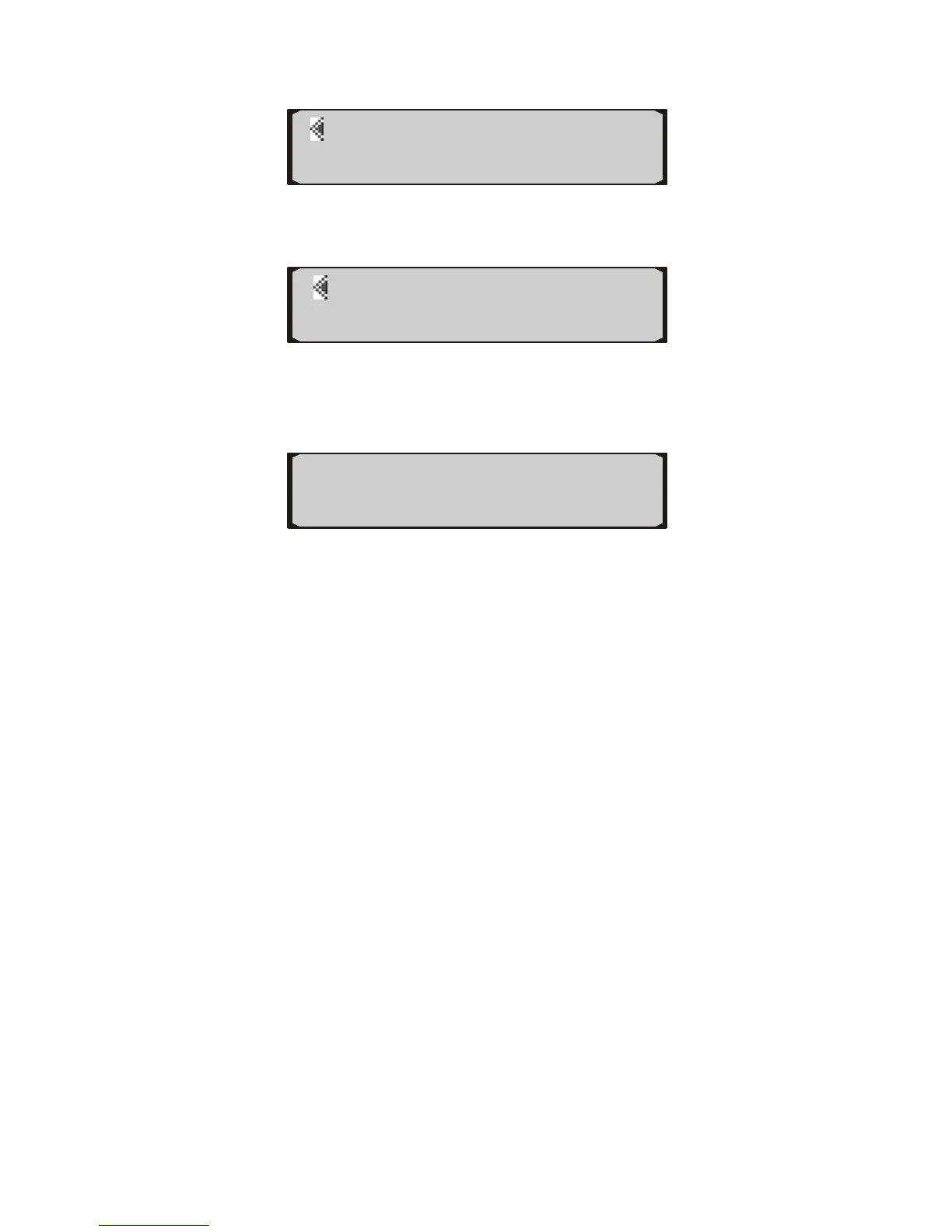
1) Press the button next to SPEED.
SPEED DISPLAY►
◄ABOUT DEFAULT►
2) Use the button next to ADJUST to enter speed correction
screen.
ADJUST
◄LIMITED
3) Use the button next to “-” or “+” to adjust in 1% step till the
adjustment factor reaches the computed percentage, and press
SAVE button.
- 11% +
100 →111 SAVE►
z The number to the left of “→” is the speed reported by
the vehicle. The number to the right of “
→” is the speed
which is displayed by the auto computer by applying
this correction.
C. To set the speed accurately, you need a handheld GPS. One
person observes the speed displayed on the GPS and adjusts
the percentage till the number to the right of “
→” agrees with
the speed indicated on the GPS while the other is driving. Set
both the GPS and the auto computer to display the same unit
of speed (KPH or MPH) to make more accurate adjustments.
D. Drive at an auto computer indicated speed of 60 MPH and
measure the time between mile marker posts on a highway.
For every second more than 60 it takes to go 1 mile, subtract
1% from the adjustment with the upper left button. Repeat this
a few times until it takes 60 seconds plus or minus a second to
go 1 mile.
• The adjustment does not affect the vehicle speedometer or
odometer readings, but the auto computer indicated speed
and distance only.
15


 To Next Page