4
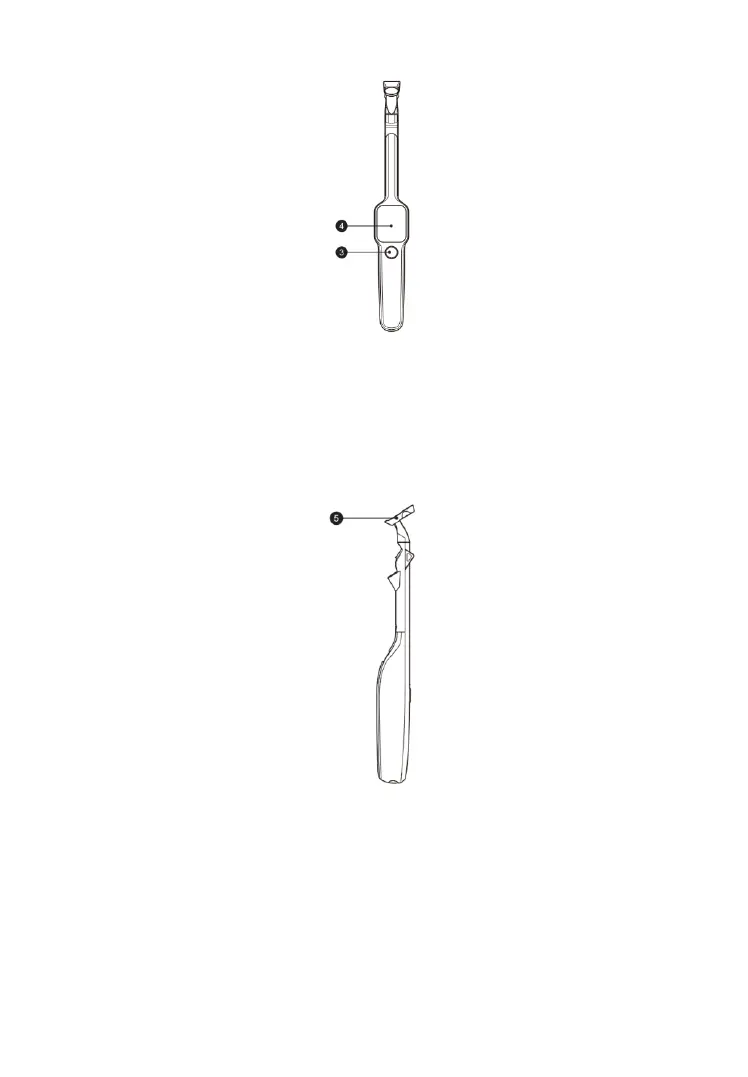
Figure 2-2 Examiner Front View
3. Power/Measure button — Press and hold this button for 3 seconds to
power the tool on and off; select the desired application and press the
button to take measurements.
4. 1.65-inch AMOLED Screen
Figure 2-3 Examiner Side View
5. Magnetic Head



 To Next Page