16
6 Quick Check
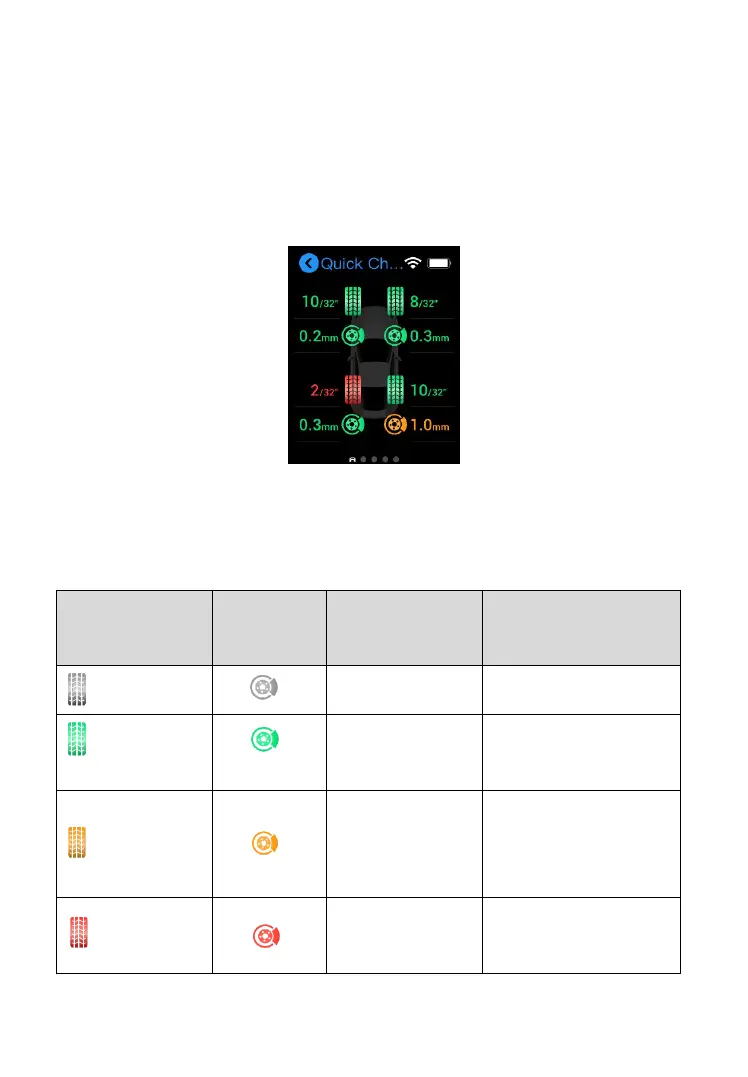
The Quick Check function is specifically designed to measure the tires and
brake discs in one session. This mode also provides a comprehensive
analysis of tire and brake disc wear.
Figure 6-1 Quick Check Screen
Degree of wear status is illustrated by the colors below.
Table 6-1 Possible Results for Measurements
Warning:
significant wear
detected.
Danger: severe
wear detected.



 To Next Page