22
9 System Calibration
The System Calibration application is used to calibrate your examination
tool for optimal measuring results.
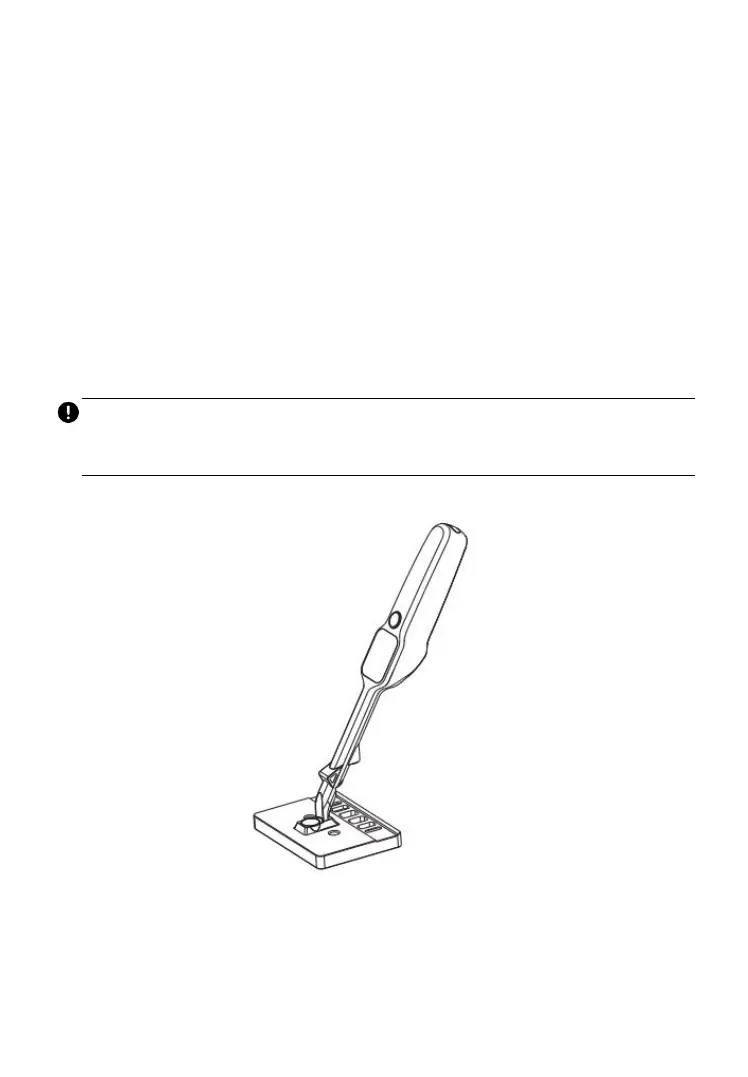
On the Main Job screen, tap the Sys. Calibration icon and place the
magnetic head on the calibration table. Press the Power/Measure button to
start. Wait for 1–2 minutes until calibration is complete.
Calibration is recommended every two months. Immediate calibration should
be performed when deviations are detected or when the tool is dropped or
mishandled in any manner.
IMPORTANT
Before the system calibration, keep the magnetic head dry and clean from
dirt, dust, water stain, or oil, which may affect the calibration result.
Figure 9-1 System Calibration



 To Next Page