11
4 Tire Tread Check
Using laser technology, the Tire Tread application analyzes the wear of the
tires on vehicles with no need to remove the tires. Place the tool on the tire,
and the tool projects a laser beam. The wear measurement is then sent to
the display screen with an accuracy within 0.1mm. Measurements are also
displayed graphically.
The Tire Tread application provides two types of checks: “All Treads” and
“Single.” When using this application, a message will display prompting user
to choose between the current mode the alternative one. You can configure
your default check mode under Check Settings. Refer to Check Settings on
page 19 for additional information.
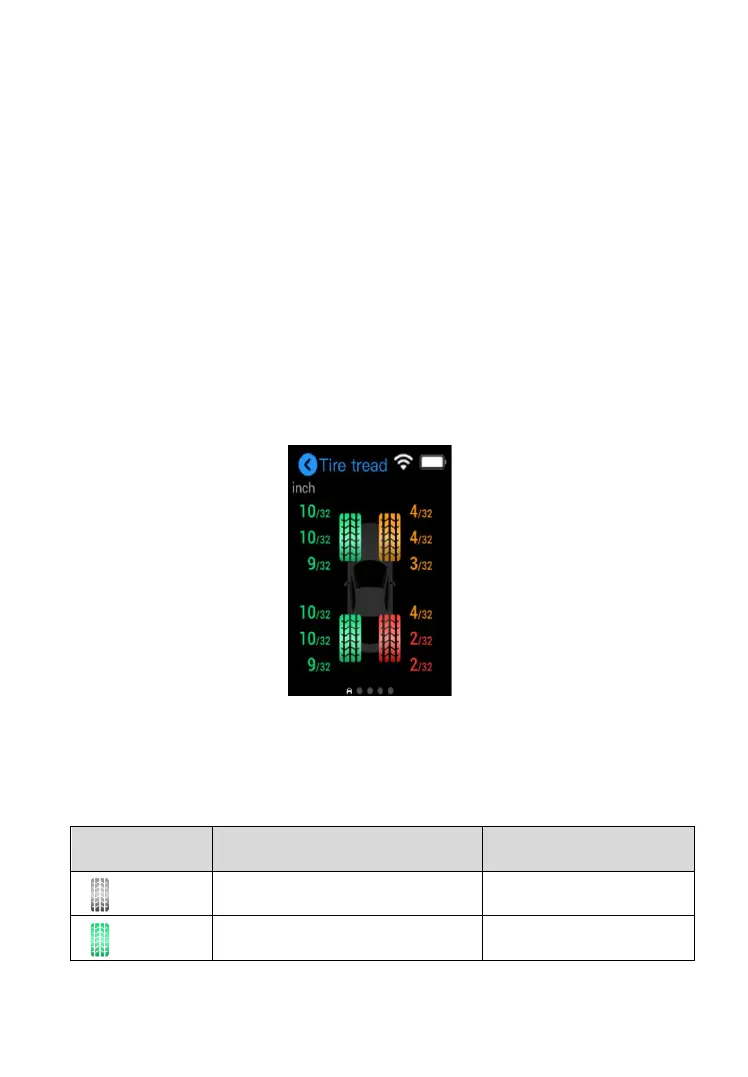
Figure 4-1 Tire Tread Check Screen
Degrees of tire wear are represented by different colors as displayed below:
Table 4-1 Possible Results for Measurements



 To Next Page