10
3.1.2 Application Buttons
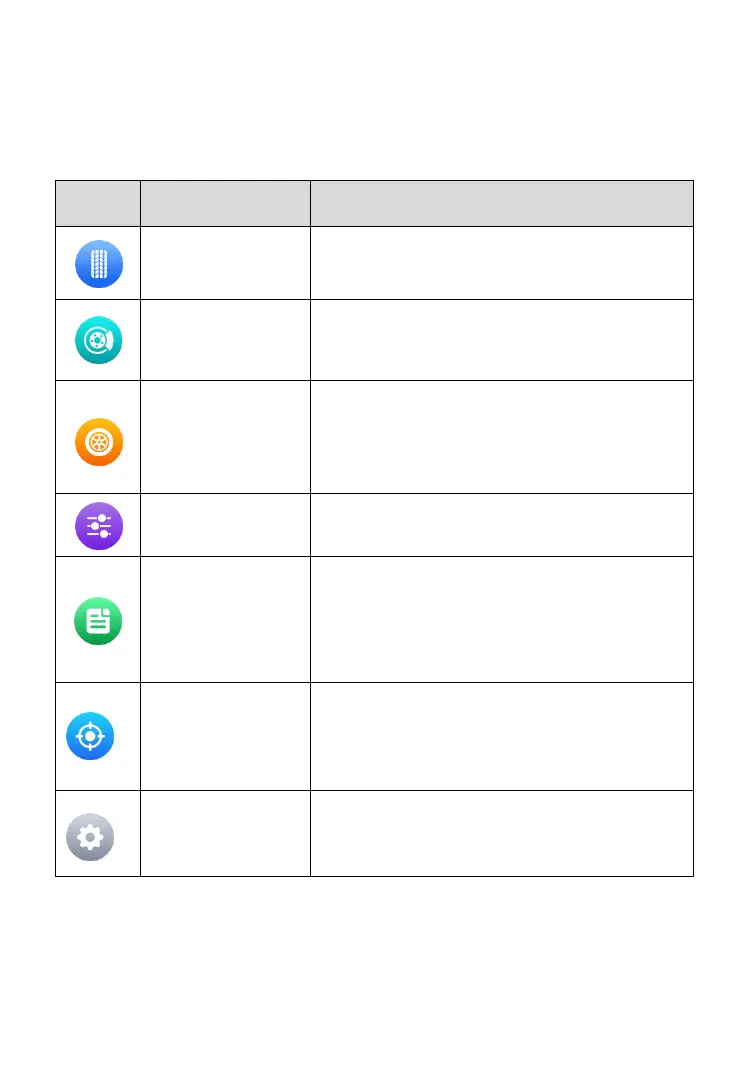
The table below briefly describes each of the applications on the TBE200.
Table 3-1 Application Buttons
3.1.3 Locator
The Locator icon displays at the bottom of the TBE200 Jobs screen. Swipe
the screen left or right to view the previous or next screen.
Accesses the tool’s tire-tread check function.
See Tire Tread Check on page 11 for details.
Launches the brake disc wear measurement
function. See Brake Disc Check on page 14
for details.
Allows you to perform a quick check to
measure tire-tread depth & brake disc wear
measurements. See Quick Check on page 16
for details.
Adjusts settings for check sessions. See
Check Settings on page 19 for details.
Displays data from previous measurements.
See Data Query on page 21 for details.
Calibrates the measurement system. See
System Calibration on page 22 for details.
Accesses the Settings menu. See Settings
on page 23 for details.



 To Next Page