7
CONTROLS AND FUNCTIONS cont.
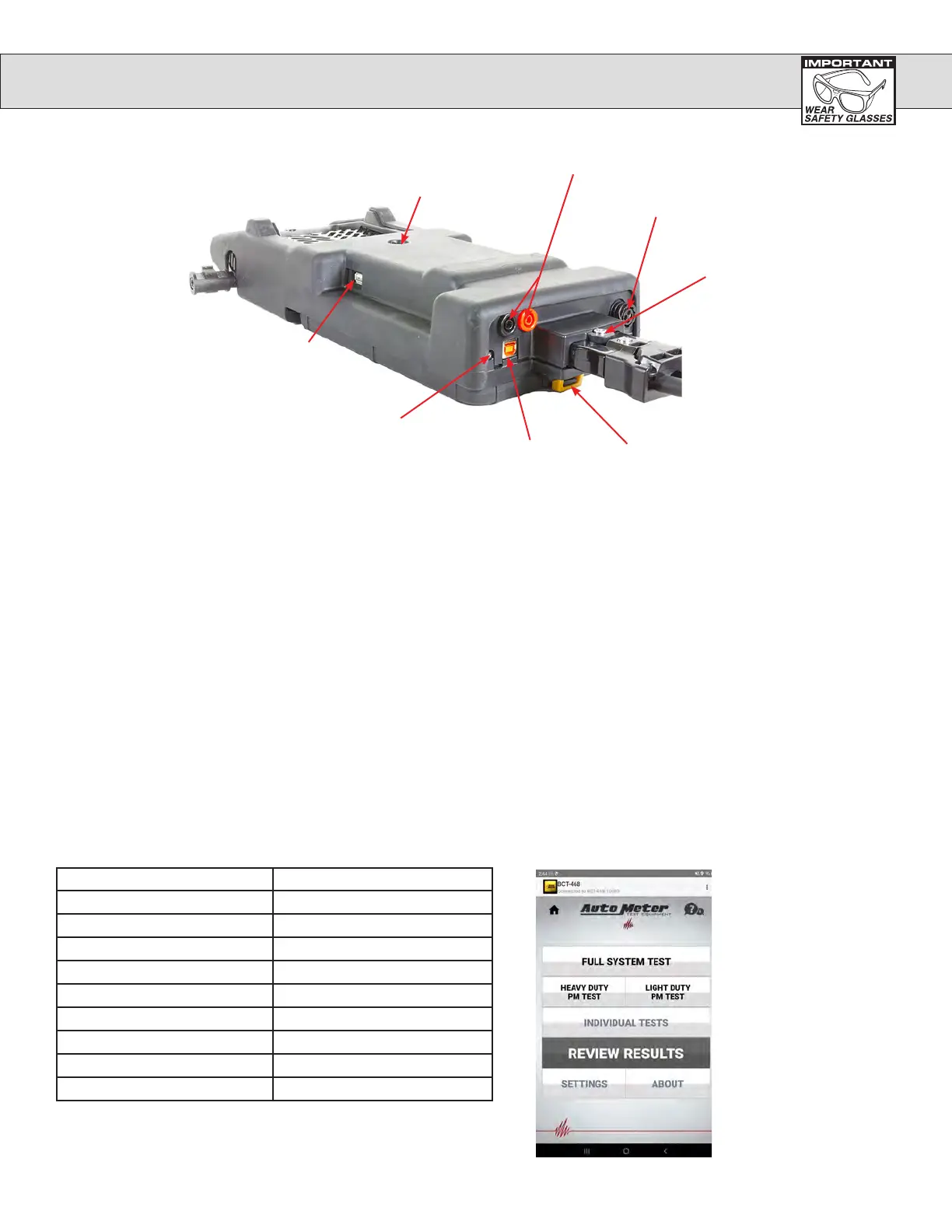
USB Type A
Status LED
USB Type B
Control Module
Latch
Screw to
replace leads
Charging and Amp Clamp Port
Voltage drop lead
connectors
Temperature Sensor
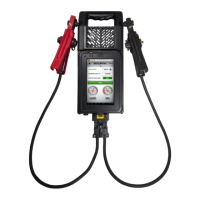
BCT-460 & 468 I/O Items
Main Menu: When the
Control Module powers
up it will go to the main
menu. From here the user
can access all of the units
functions such as, run tests,
setup the unit, and review
past test data. See page 10
for settings.
USB Type A - Factory use only.
USB Type B - Factory use only.
Temperature Sensor: The Load module has an
IR temperature sensor that is used to measure the
temperature of the battery you are testing.
Charging / Port: When the unit is not being used it
should be placed on the charger (or optional charging
station) to keep the batteries fully charged.
LED Status Load Module Mode
Off Off
Solid Yellow Initial boot-up or test in progress
Fast Blinking Green Re-Flashing/Firmware Updated
Solid Green Bluetooth Disconnected
Blinking Green (Double Flash) Bluetooth Connected
Blinking Green ( Slow, once/sec) Sleeping/Low Power
Solid Red Internal Battery Charging
Blinking Red (Slow, once/sec) Control Module Battery Charging
Blinking Red (Fast, twice/sec) Initializing Bluetooth


 To Next Page