ERX-B75 User’s Manual
34 ERX-B75 User’s Manual
Enabled[Default]
Disabled
Auto
Enables Legacy USB support. AUTO option
disables legacy support if no USB devices are
connected. DISABLE option will keep USB devices
available only for EFI applications.
Enabled[Default]
Disabled
This is a workaround for OSes without XHCI
hand-off support. The XHCI ownership change
should be claimed by XHCI driver.
Enabled
Disabled[Default]
This is a workaround for OSes without EHCI
hand-off support. The EHCI ownership change
should be claimed by EHCI driver.
Enabled[Default]
Disabled
Enable I/O port 60h/64h emulation support. This
should be enabled for the complete USB keyboard
legacy support for non-USB aware OSes.
1 sec
5 sec
10 sec
20 sec[Default]
This time-out value for Control, Bulk, and Interrupt
transfers.
10 sec
20 sec[Default]
30 sec
40 sec
USB mass storage device Start Unit command
time-out.
Maximum time the device will take before it
properly reports itself to the Host Controller. ‘Auto’
uses default value: for a Root port it is 100 ms, for a
Hub port the delay is taken from Hub descriptor.
Generic STORAGE
DEVICE 9407
Auto[Default]
Floppy
Forced FDD
Hard Disk
CD-ROM
Mass storage device emulation type. ‘AUTO’
enumerates devices according to their media
format. Optical drives are emulated as ‘CDROm’,
drives with no media will be emulated according to
a drive type.
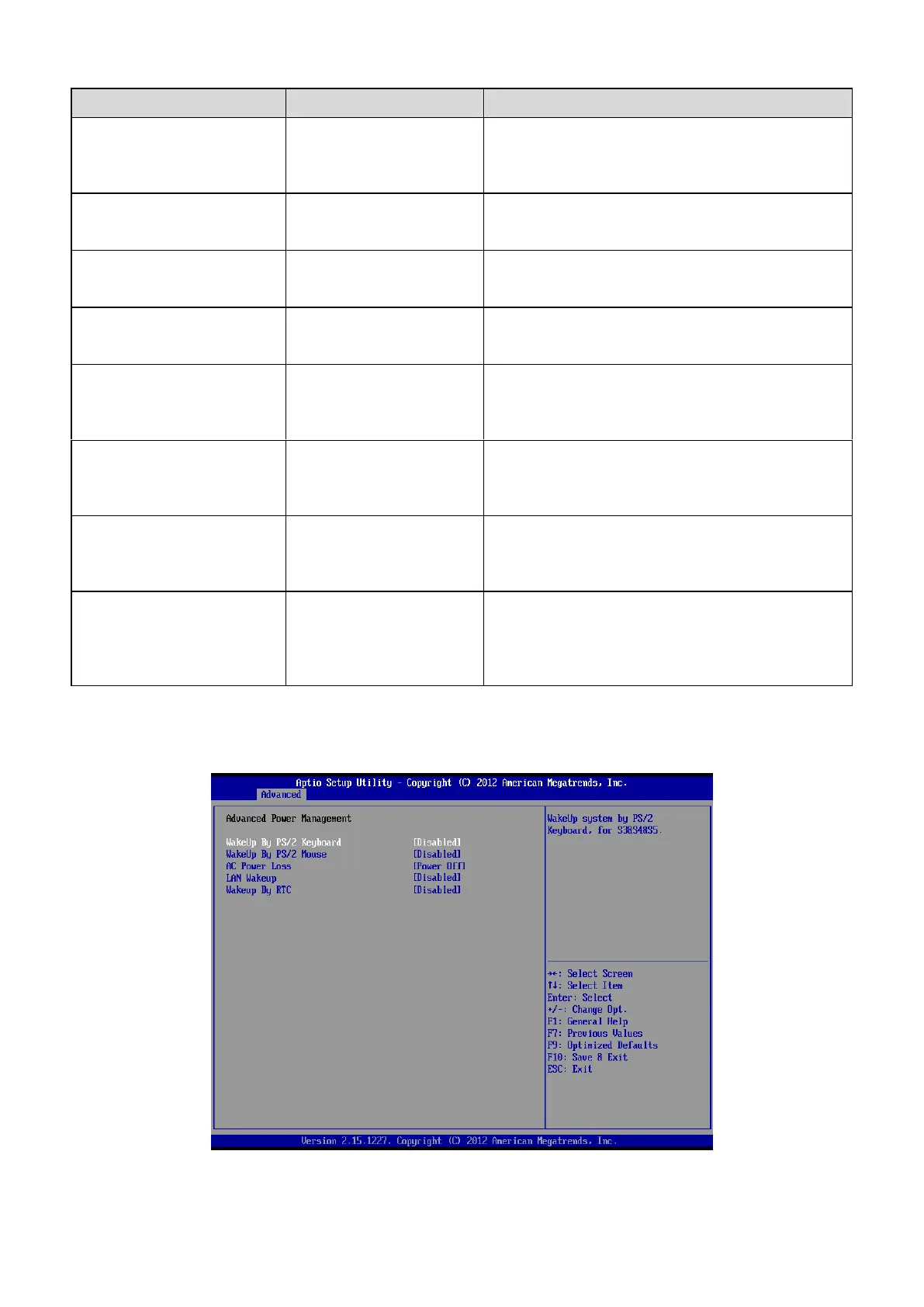
3.6.2.7 Advanced Power Management













 To Next Page