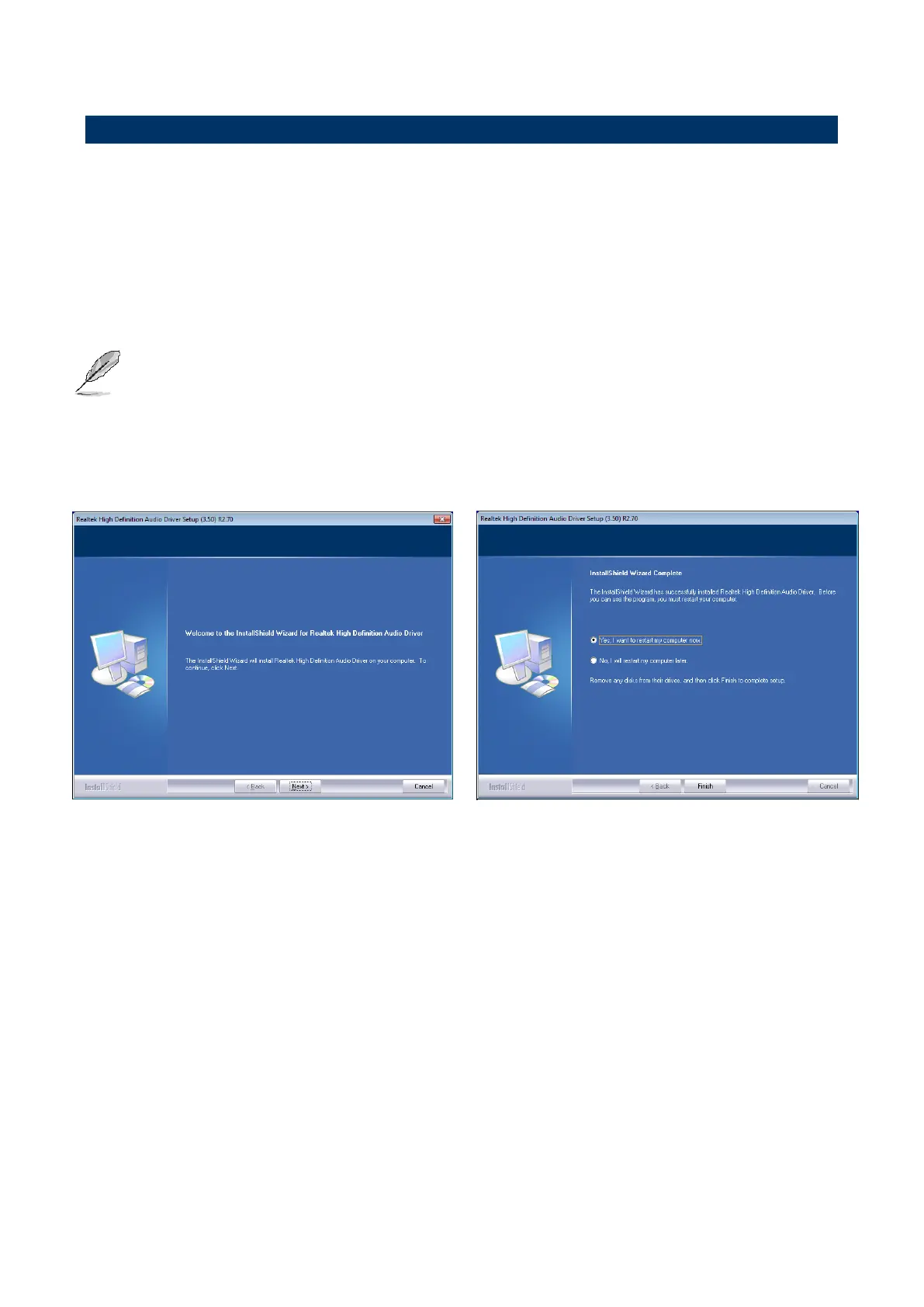
Insert the Supporting DVD-ROM to DVD-ROM
drive, and it should show the index page of
Avalue’s products automatically. If not, locate
Index.htm and choose the product from the
menu left, or link to
\Driver_Audio\Realtek\ALC661\ERX-B75_Audio.
Note: The installation procedures and screen
shots in this section are based on
Windows 7 operation system. If the
warning message appears while the
installation process, click Continue to
go on.













 To Next Page