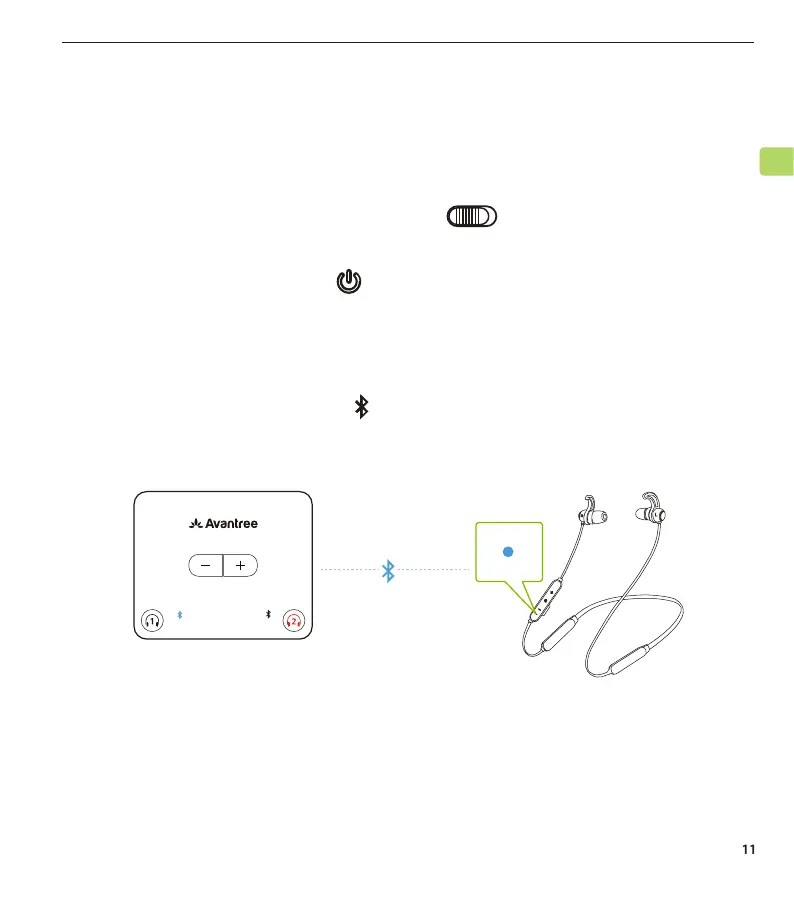
Wait for a few seconds. The NB16T earbuds will connect to the
transmitter automatically. Once connected, both the LED indicators
on the earbuds and the left on the transmitter will turn solid blue.
The “FS” indicator on the transmitter will turn solid white.
HT4186
User Manual
EN
Connecting the Earbuds to the Transmitter
Now that the transmitter is all set up, you can connect the NB16T earbuds
to the transmitter.
STEP 1
Power on the transmitter by sliding the switch to the “ON” position.
STEP 2
Press & hold the earbuds’ button to power on.
STEP 3
AUX OPT
LL
FS APTX
SBC
USB



 To Next Page