HT4186
User Manual
EN
1
2
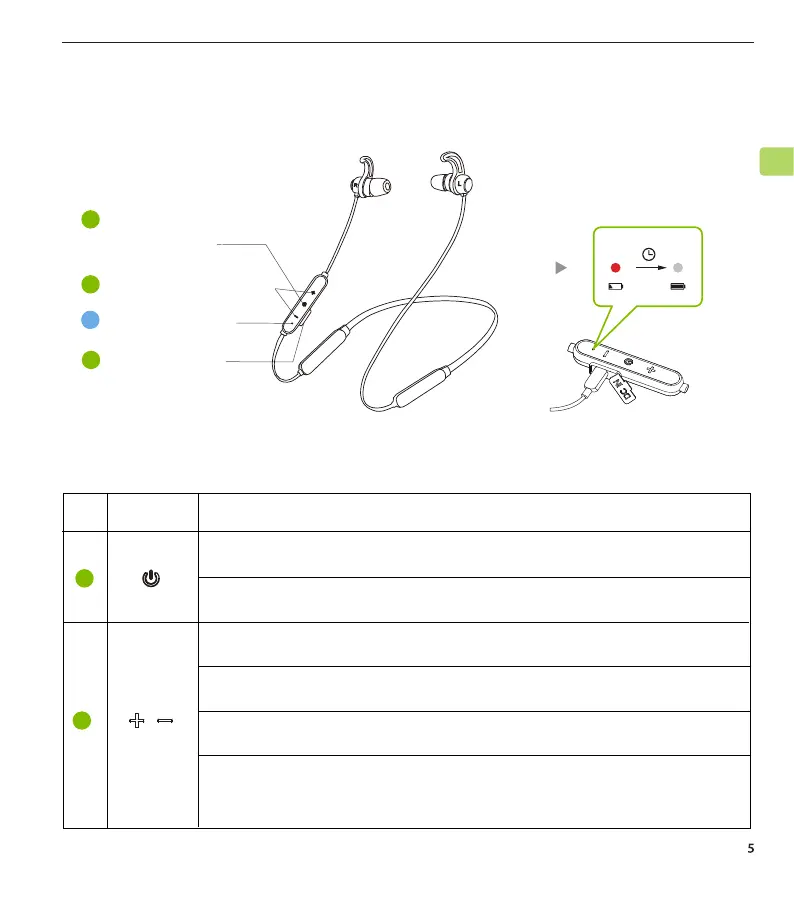
Note:Press & hold for 3 seconds to power on / o
No. Button Functions
From o, press & hold for 5 seconds to enter pairing mode
Tap once to increase / decrease volume
Press & hold for 1 second to skip / replay track
Press & hold both for 7 seconds to clear the pairing history
Tap both once simultaneously to activate voice assistance
(only works with phones)
Product Introduction (Earbuds)
Product Overview
Button Functions
1
2
3
Multifunctional
button (MFB)
Volume adjustment
A
Status indicator
Charging port
2.5H
Low Full



 To Next Page