GENERAL
CONNECTING AND INSTALLING THE UNIT
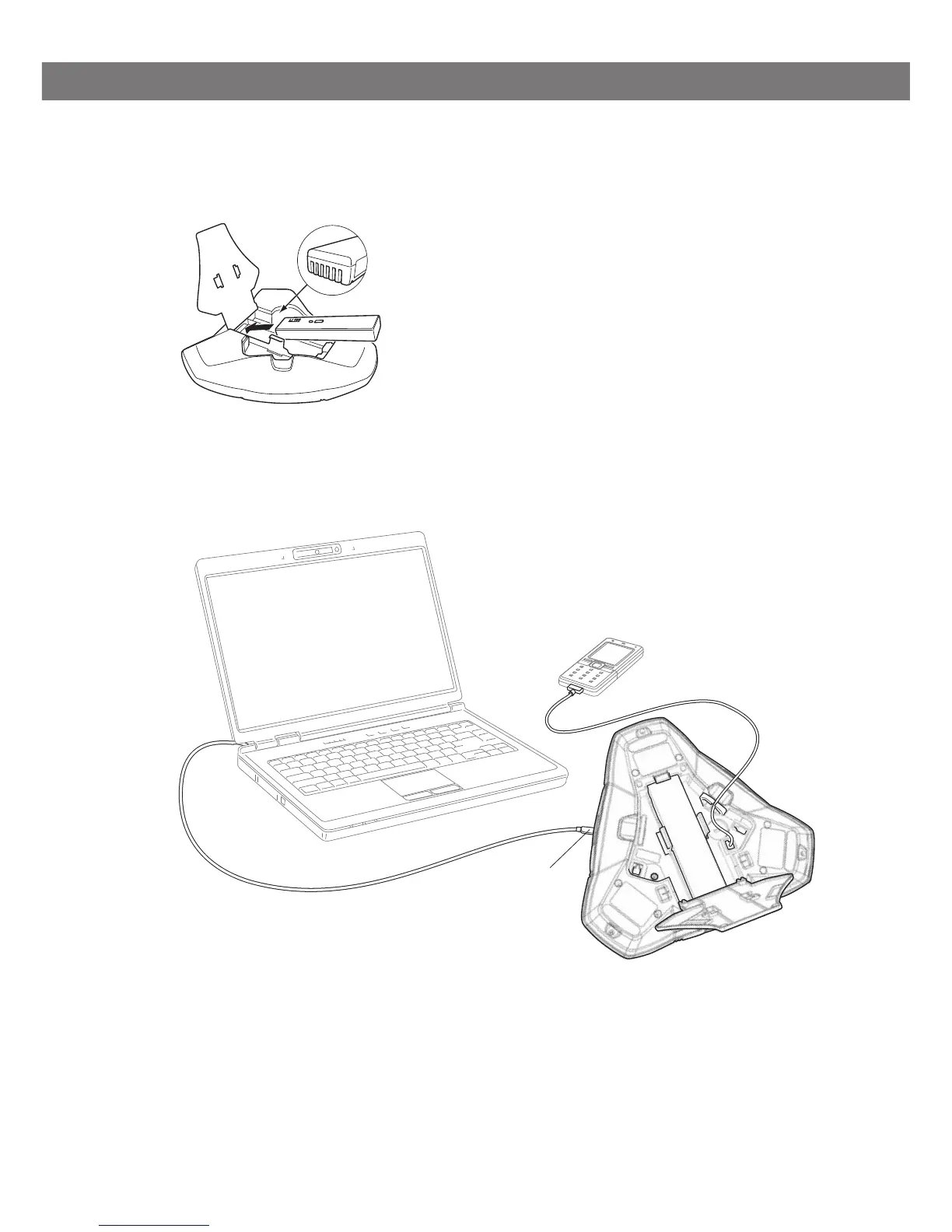
Open the battery cover and insert the battery as illustrated.
Connect to a DECT system (see page 12), a mobile phone or a computer as illus-
trated.
(An optional phone cable is required for connection to mobile phones.)
Place the conference phone in the middle of the table.
Place the conference phone at least 20 cm from the users.
Mini USB port for
PC connection



 To Next Page