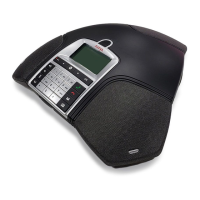
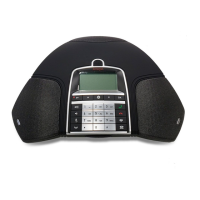
The Avaya B169 is now in registration mode and is searching for a base station in registration
mode. Wait until you receive confirmation that registration has been completed. (The base
station has to be in registration mode.)
Registration can be interrupted by pressing . If registration was successful, the
word SUCCESS will appear in the display.
The Avaya B169 is now ready to use.
Please see page 23 for other menu options and settings.
If registration was not successful
If registration was not successful, the word FAILURE will appear in the display. Possible
reasons for this:
• Incorrect security code (check with your company’s switchboard administrator).
• A PARK code might be needed (check with your company’s switchboard adminis-
trator). Activate PARK ( > SETTINGS > DECT > PARK) and try to register again
using your PARK code.
• No base station within range or not activated in registration mode.
CONFIGURING ANALOG EXTENSIONS
Documentation, application notes and guides for IP office, CS1000 and CM is found on
support.avaya.com.
IP Office
For support related to configuring an analog extension on IP Office please see the
Analog Extension section in the IP Office Manager documentation.
CS1000
For support related to configuring an analog extension on CS1000 please see the
CS1000 Administration Guide.
CM
For support related to configuring an analog extension on CM please see the CM
Administration Guide. Note that on CM it is important that the station type is configured
as CallrID.
CONNECT TO A DECT SYSTEM


 To Next Page