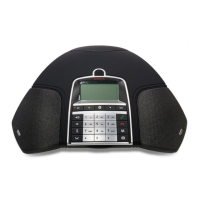
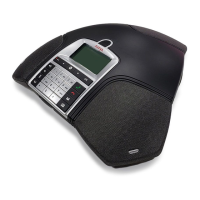
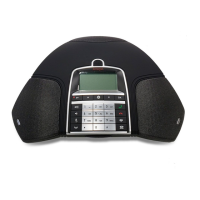
The Avaya B169 is continually being developed with smart features and the software
can be upgraded to ensure the unit is always running the latest software version.
You will first need to install Avaya Upgrade Utility on your computer before you can
upgrade your Avaya B169. Find out more at www.avaya.com/support.
INSTALLING AVAYA UPGRADE UTILITY
Go to the website www.avaya.com/support.
Select “Downloads” from the menu on the left side.
Enter “Conference Phones”.
Download the Avaya Upgrade Utility.
Install the software on your computer.
Follow the instructions given by the installation program.
UPGRADING SOFTWARE
Restart the Avaya B169 in upgrade mode
Connect the Avaya B169 to the PC using the USB cable.
Select > SETTINGS > UPGRADE MODE.
Confirm that you want to restart in upgrade mode by pressing OK or cancel the
restart procedure by pressing .
You can also restart the unit in upgrade mode by holding down the key while the
Avaya B169 is being started – i.e. the battery is inserted.
Updating software
Start the Avaya Upgrade utility software on your computer from the Start menu.
Follow the instructions that the software guide gives you.
UPGRADING SOFTWARE


 To Next Page