Making calls using a mobile phone
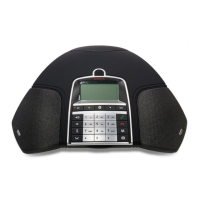
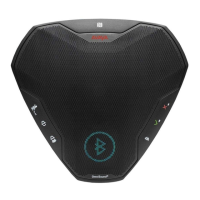
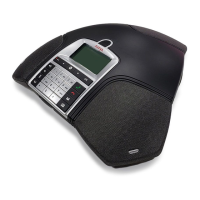
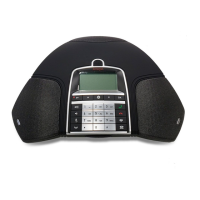
Press to activate Avaya B169.
Dial the number on the mobile phone as you normally would.
The Avaya B169 now functions as a speaker and microphone for the mobile phone. The LEDs
show a steady blue light.
Ending calls
End the call on the mobile phone.
Press to inactivate the Avaya B169.
ANSWERING AND MAKING CALLS


 To Next Page