DESCRIPTION
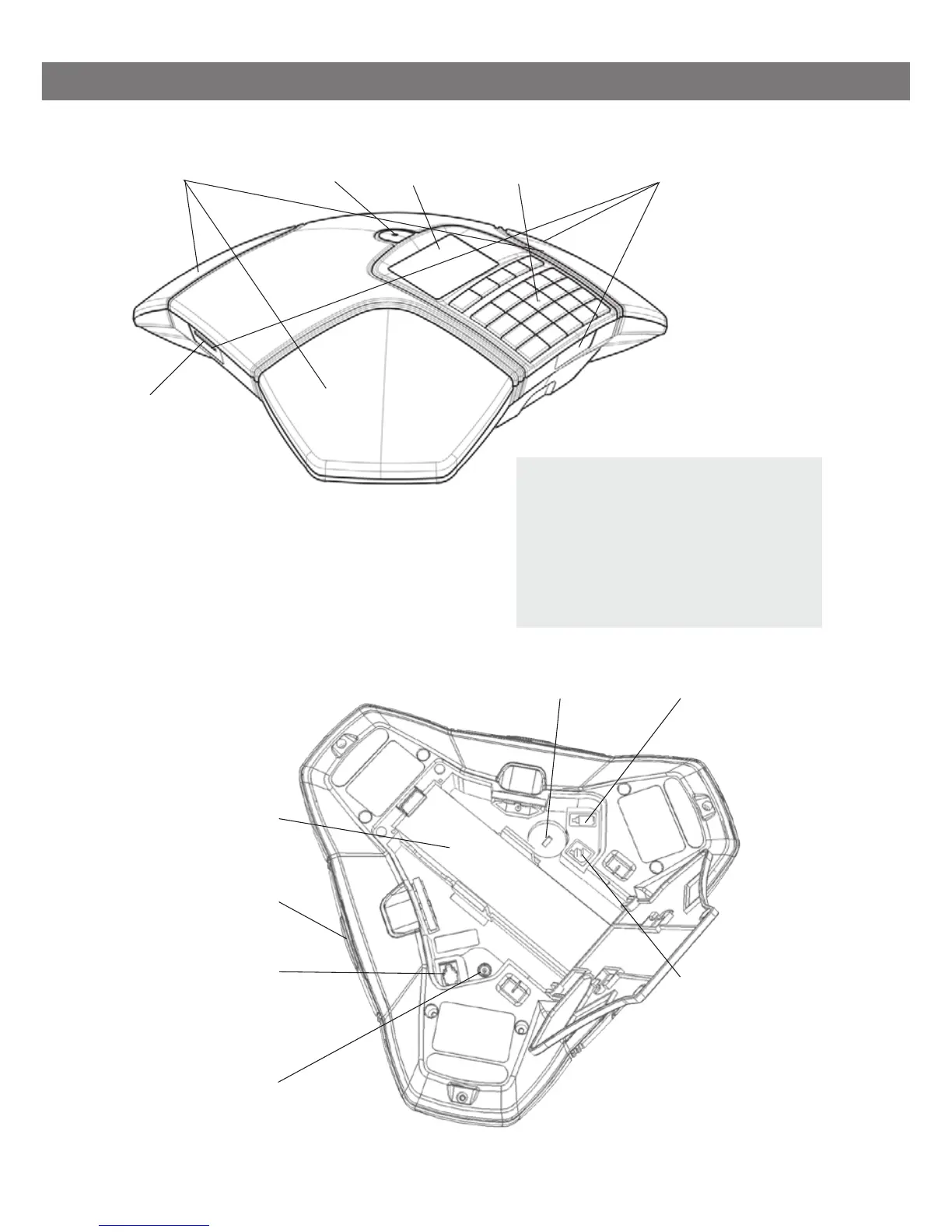
SD memory card
port
Display screenSpeaker Microphone Keypad LEDs
LEDs
Flashing blue Incoming call
Steady blue light Call in progress
Flashing red Hold, microphone and
speaker turned off
Steady red light Mute, microphone turned off
Battery
Expansion microphone port
Mobile phone
connection
Security lock port
Power supply port
Expansion microphone
port
Mini USB port for
PC connection



 To Next Page