Inserting a VoIP module
About this task
Electrostatic alert:
Hold modules only by the edges to avoid damage from static electricity. Do not touch the
top or bottom of the circuit board. If possible, wear a wrist-strap and use an anti-static
bag.
Caution:
The connector pins can be bent or damaged if the module is handled roughly, or if misaligned
and then forced into position.
Procedure
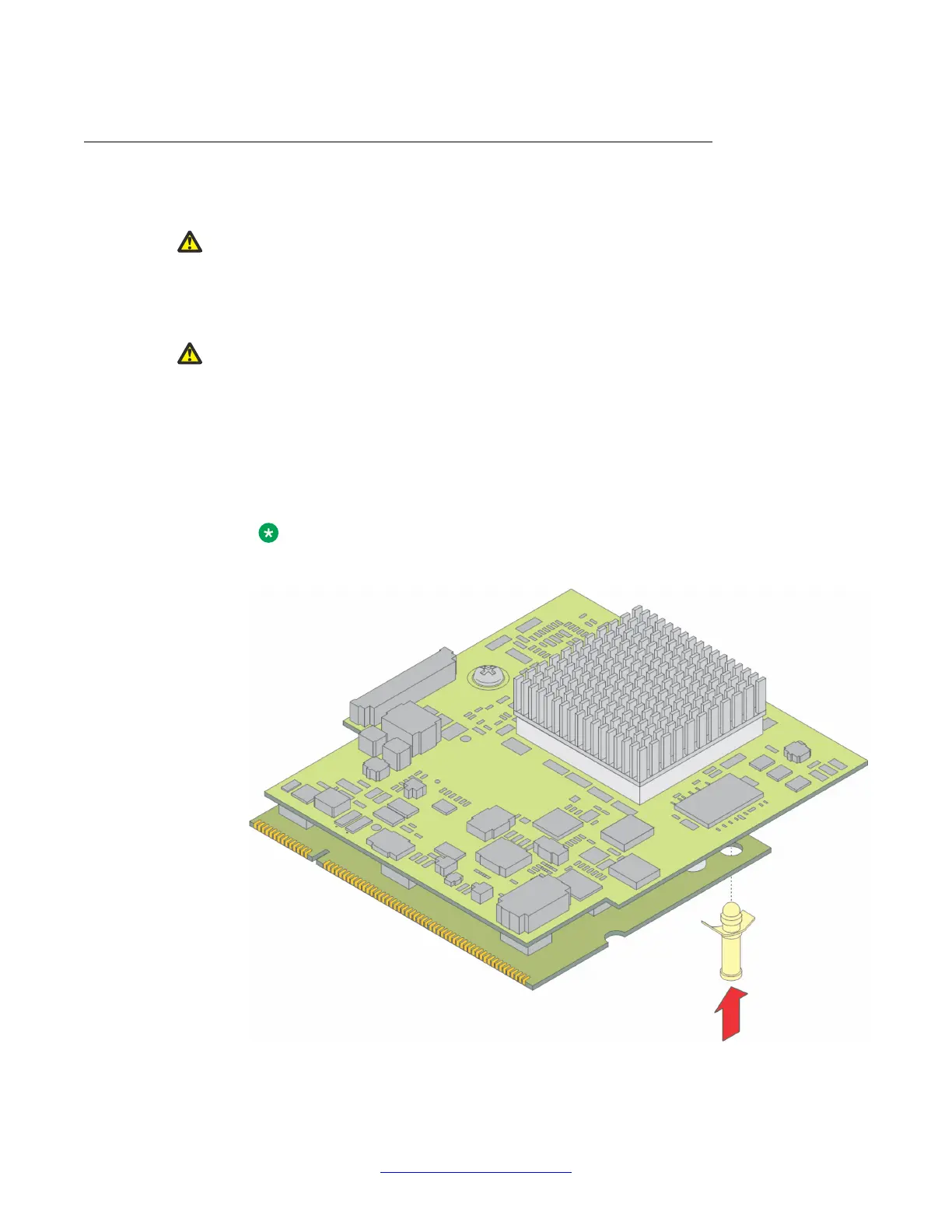
1. The lower board for the MP120 has a plastic standoff. Insert the plastic standoff to
MP120.
Note:
This step is applicable only for MP120 installation.
Figure 8: Insert plastic standoff
Installing the MP120 VOIP module
24 Configuring V.150.1 on Avaya G450 and G430 Branch Gateway May 2014
Comments? infodev@avaya.com


 To Next Page