37
Shure
Microflex® Complete Wireless
IntelliMix® P300 Audio Conferencing Processor
MXA920 Ceiling Array Microphone
MXA710 Linear Array Microphone
MXA310 Table Array Microphone
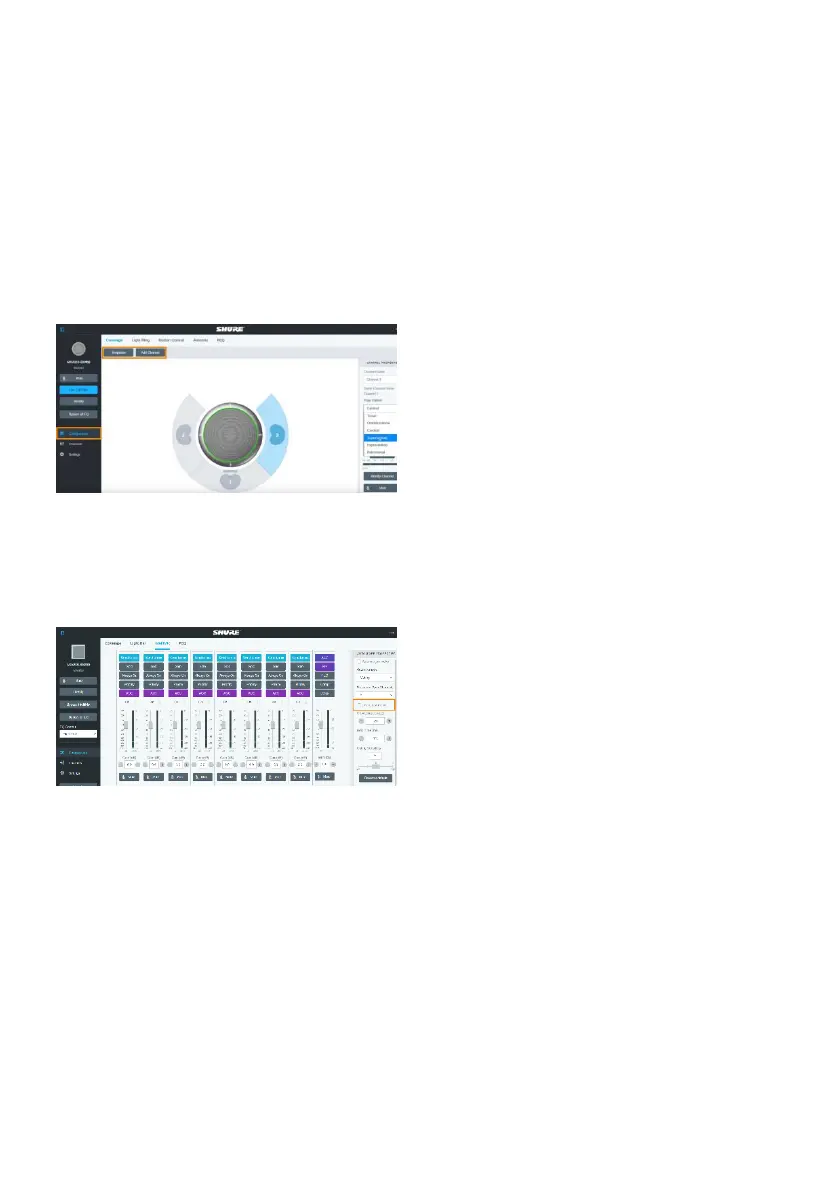
1. Open the Configuration tab.
2. Select a template from the multi-channel
options. Or select Add Channel to add more
than 1 channel.
MT300 does not support single channel for
the MXA310.
MXA910 Ceiling Array Microphone
1. Go to IntelliMix > Automixer Properties >
Deselect Leave last mic on.


 To Next Page