5
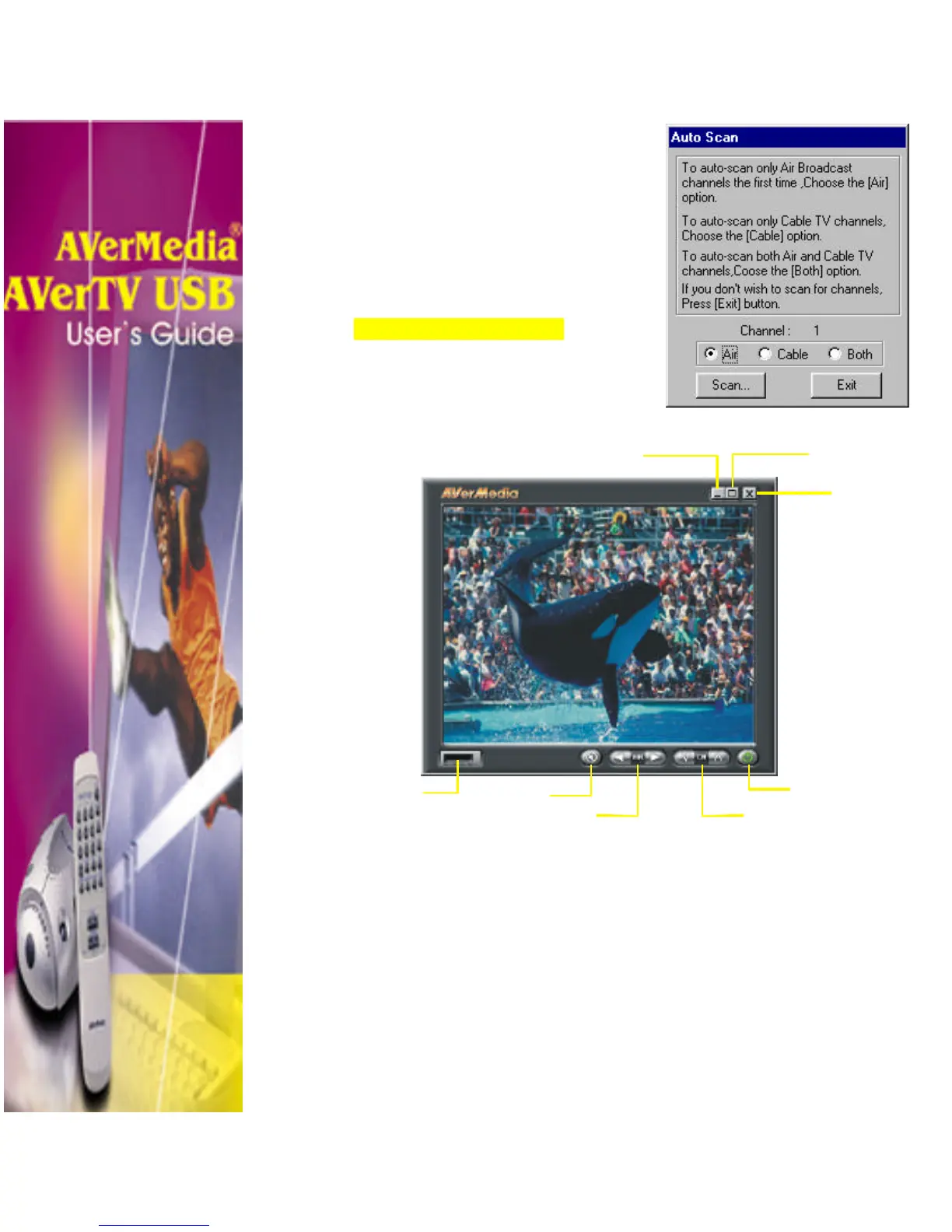
A TV Monitor will then appear on
your screen.
If you run the application for the first
time, an Auto Scan dialog box will
appear. This will search and
memorize the channel line up in your
area. You can choose not to scan or
scan both air and cable or either of
the two. (Refer to the section titled,
Memorizing TV Channel, for more
details.).
The TV Monitor shows live TV or video.
The TV Control Panel provides button controls for switching to
different mode, selecting TV channels, adjusting volume and
color, changing TV display mode, capturing images, and more. It
has a panel display that shows the current active video source (e.g.
TV or Video), channel number, mute and other indicators.
To display the TV Control Panel, click the button located at the
lower left corner of the TV screen.
Close
Mute
Volume
Up/Down
Channel
Up/Down
TV Control
Panel
Power off












 To Next Page