English-17
Step 2
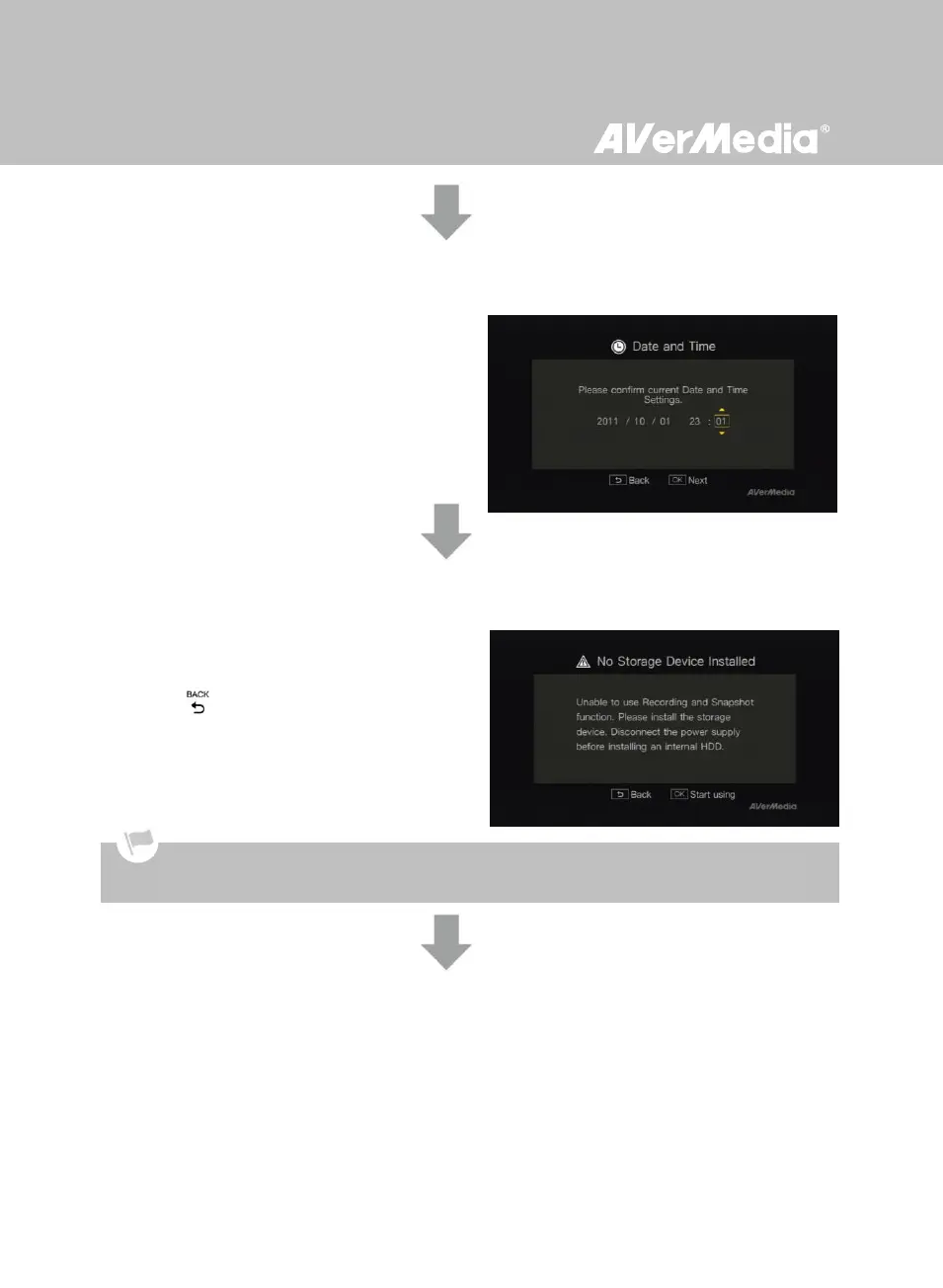
Setting up Date and Time
Use ◄/► to move among options and ▲/▼ to
adjust date and time. Press OK to confirm.
Step 3 (Optional)
Installing Storage Device
If you have not yet installed any storage device,
install it before continuing the setup process.
Then press to go to the previous screen and
press OK to run disk checking process.
If you have already installed your storage device
beforehand, jump to Step 5.
Step 4 (Optional)
Formatting Storage Device
If you are using a new hard drive, a disk format
request will be prompted.
Press OK to start the disk format process. Once
finished, press OK to start using Game Capture HD.
Unplug Game Capture HD from the power supply before installing an internal HDD.



 To Next Page