English-16
Step 3
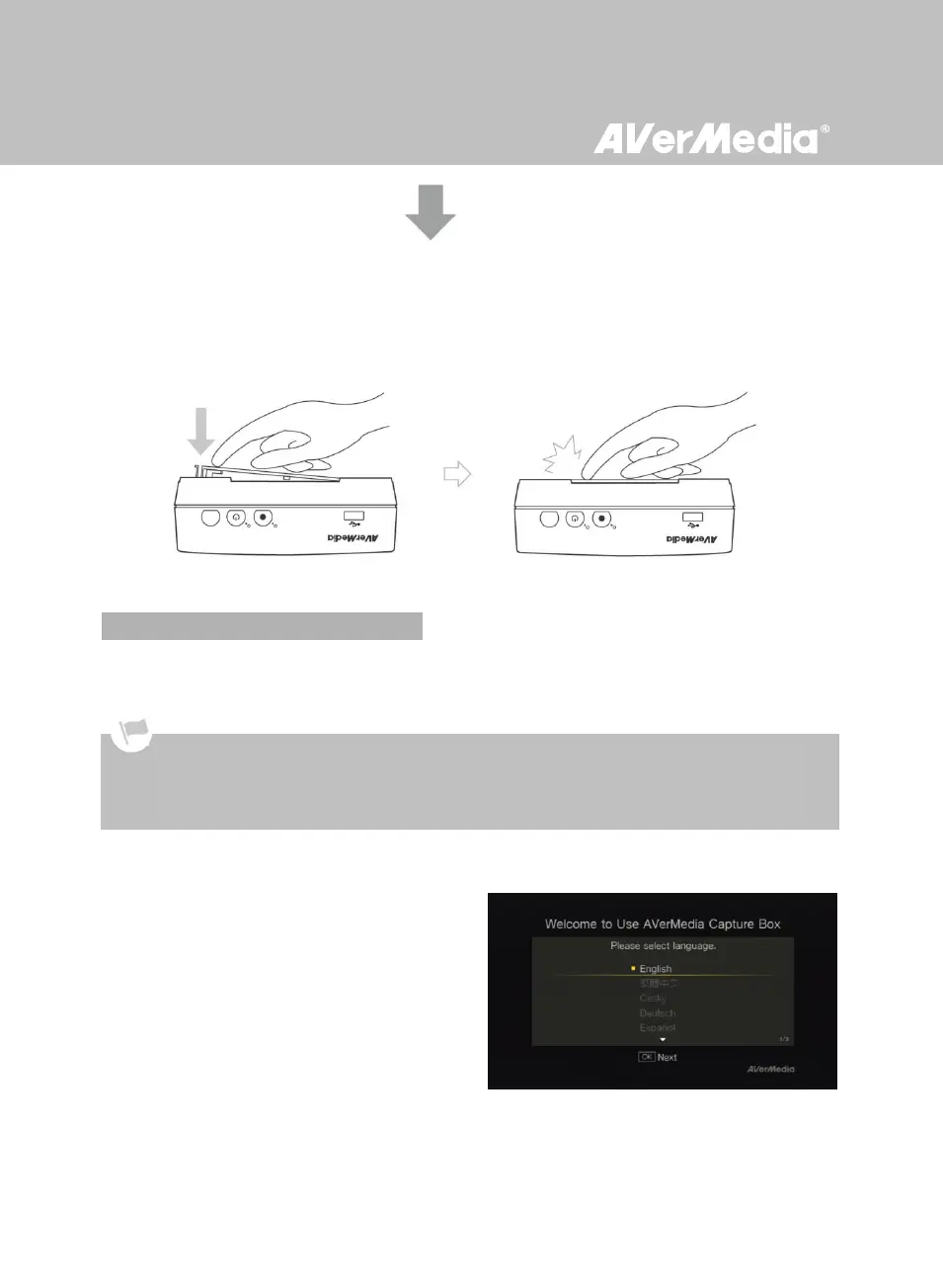
Replacing the HDD Lid
Place the HDD lid back and snap it into place.
When the first time you power on the Game Capture HD unit, the setup wizard appears. The following
steps guide you through the initial configuration process.
Step 1
Setting up Language
When the welcome page appears, use ▲/▼ to
select your preferred language. Press OK to
confirm.
Make sure to install internal hard drive or external USB storage device beforehand.
For the first-time initialization, a short duration of black screen (approximately 20 seconds) is followed by
AVerMedia logo. The blinking green status light indicates that Game Capture HD is starting up. Please wait
until the welcome screen appears.



 To Next Page