English-30
6.1 Recordings and Snapshots
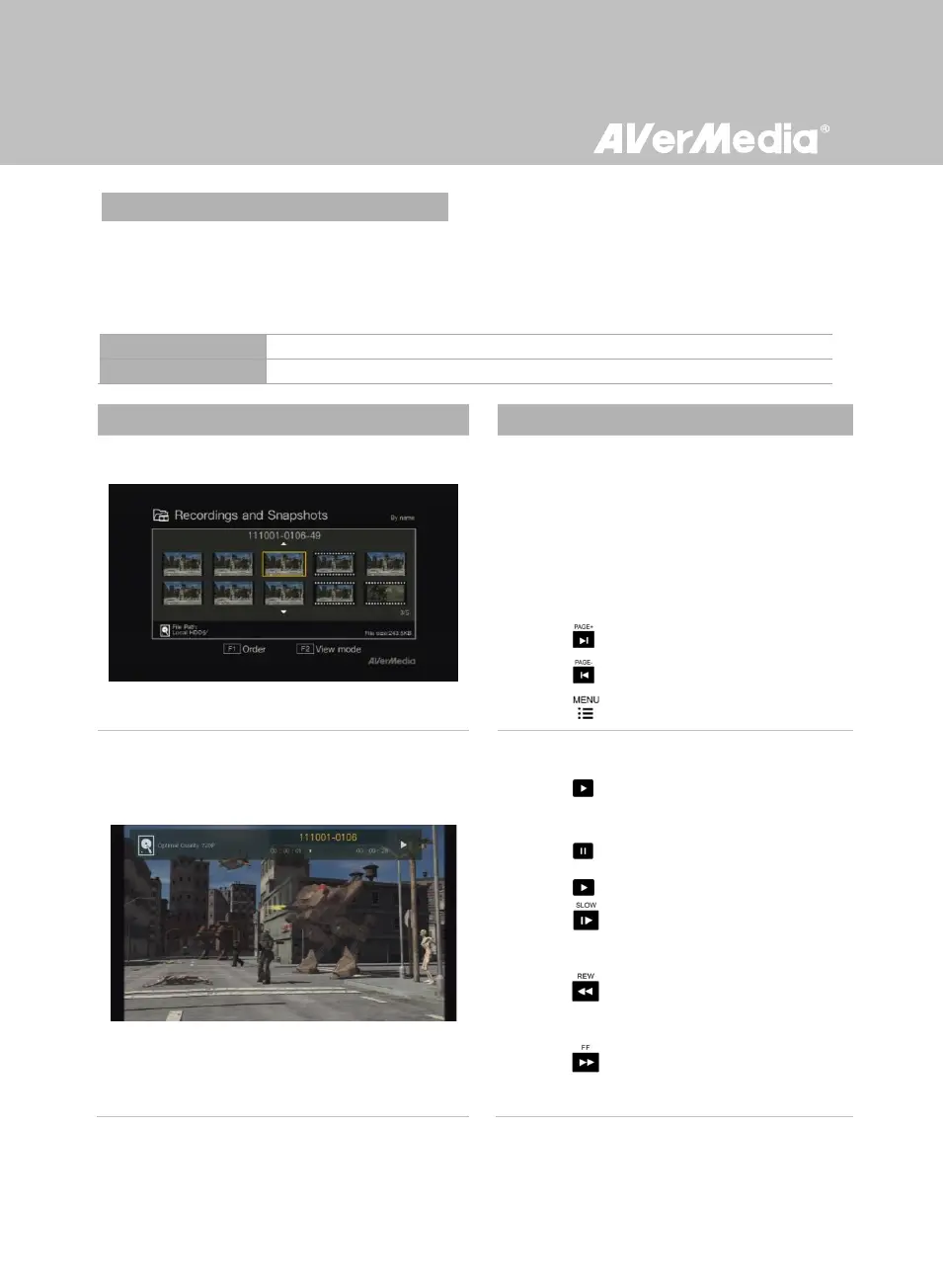
You can check both recordings and snapshots captured by Game Capture HD in “Recordings and
Snapshots”.
Capture Format:
AVI (Codec: H.264 format with MP3 audio)
Navigating
- Use the navigation keys ◄/►/▲/▼ to select
among items.
- Press F1 to sort the files by file name, file
size, or file format.
- Press F2 to switch between list mode and
thumbnail mode.
- Press to go to the next page.
- Press return to the previous page.
- Press to directly access the main menu.
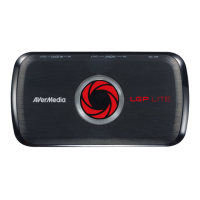
Video Playback
- Press or OK to start playing the selected
video.
- Press or OK to pause the playback.
Press or OK to resume playback.
- Press to play the video in slow motion
(1/2x).
- Press to rewind at 2x, 4x, 8x, 16x, 32x
speed.
- Press to fast forward at 2x, 4x, 8x, 16x,
32x speed.



 To Next Page