English-33
“File Management” allows you to manage videos and images captured by Game Capture HD. You can
copy files between internal hard drive and external USB storage device, and delete unwanted files.
Please note that only video and image files captured by Game Capture HD are supported.
Before entering this submenu, insert your storage device first (USB 2.0 storage device / 2.5” HDD
in NTFS or FAT 32 format).
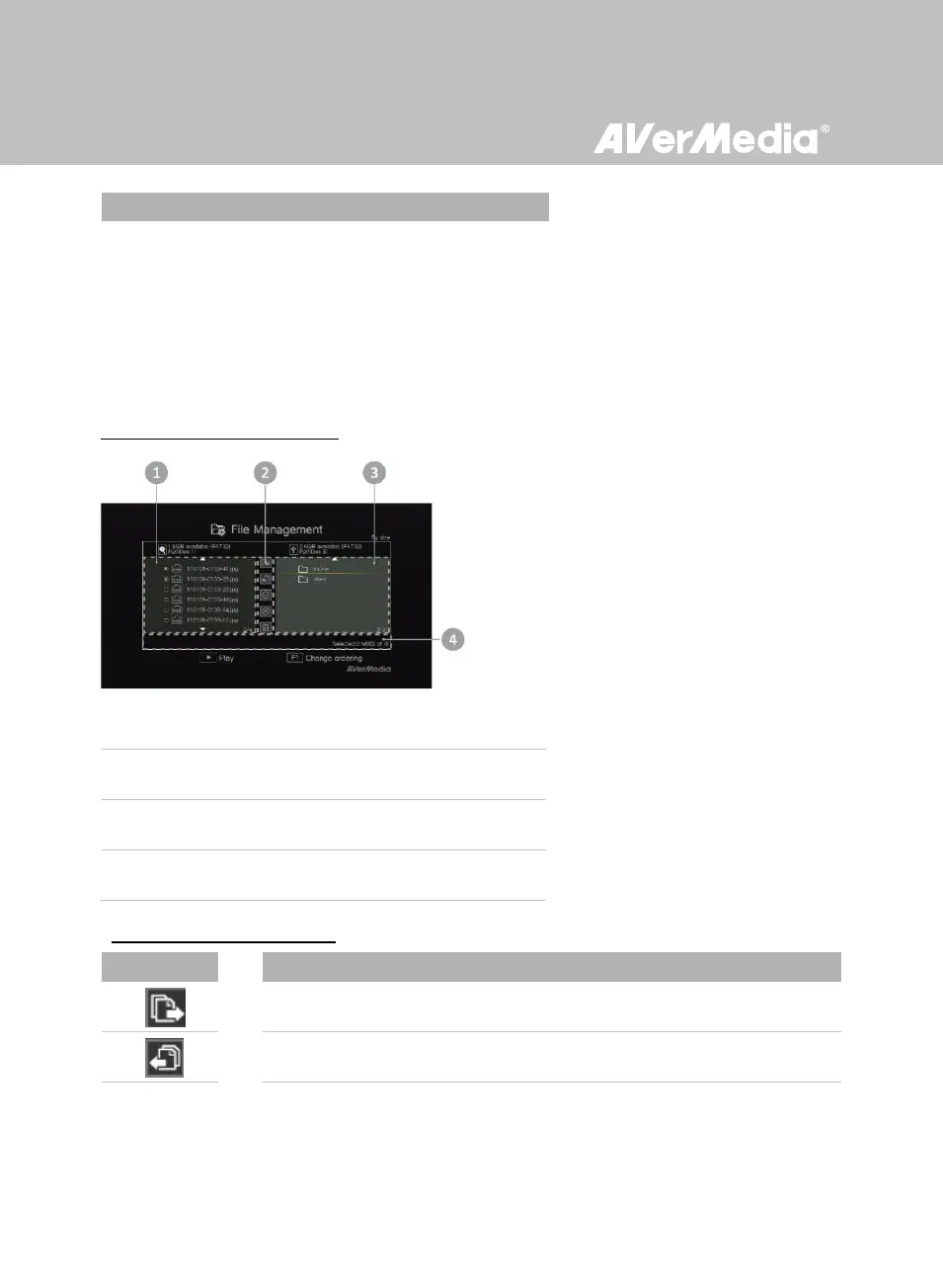
File Management User interface:
1 A list displaying files located on the internal hard disk
3 A list displaying files located on the USB disk
4 Information display area
Descriptions on Editing Tools:
Copy files to internal hard disk



 To Next Page