Navigating
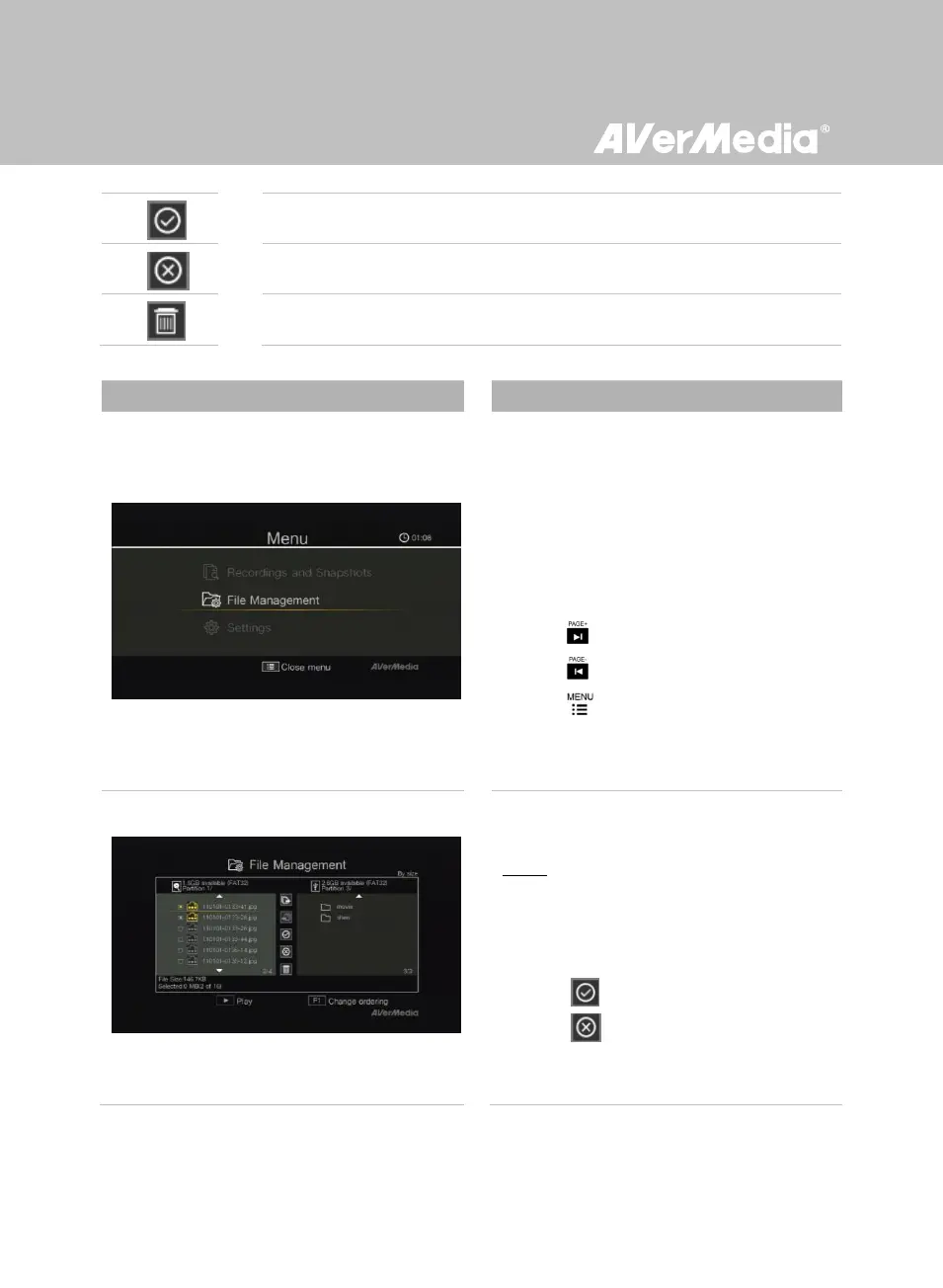
- Use ▲/▼ to select and OK to enter the
folder in which you save the recordings and
snapshots.
- Use ▲/▼ to select “Back” and press OK to
go one level up.
- Press F1 to sort the files by file name, file
size, or file type.
- Press to go to the next page.
- Press return to the previous page.
- Press to directly access the main
menu.
Copying Files from Internal HDD to USB
Disk
Step 1:
- On the left-side list, use ▲/▼ to highlight the
file that you want to copy to USB disk. Press
OK to select / unselect an item.
- Select and press OK to select all files.
- Select and press OK to deselect all
files.



 To Next Page