Copying Files from USB Disk to Internal
HDD
Step 1:
- On the right-side list, use ▲/▼ to highlight
the file that you want to copy to internal
HDD. Press OK to select / unselect an item.
- Select and press OK to select all files.
- Select and press OK to deselect all
files.
Step 2:
- Select and press OK to copy selected
file(s) to internal HDD.
- Press to cancel copying the files in a
progress.
Step 3:
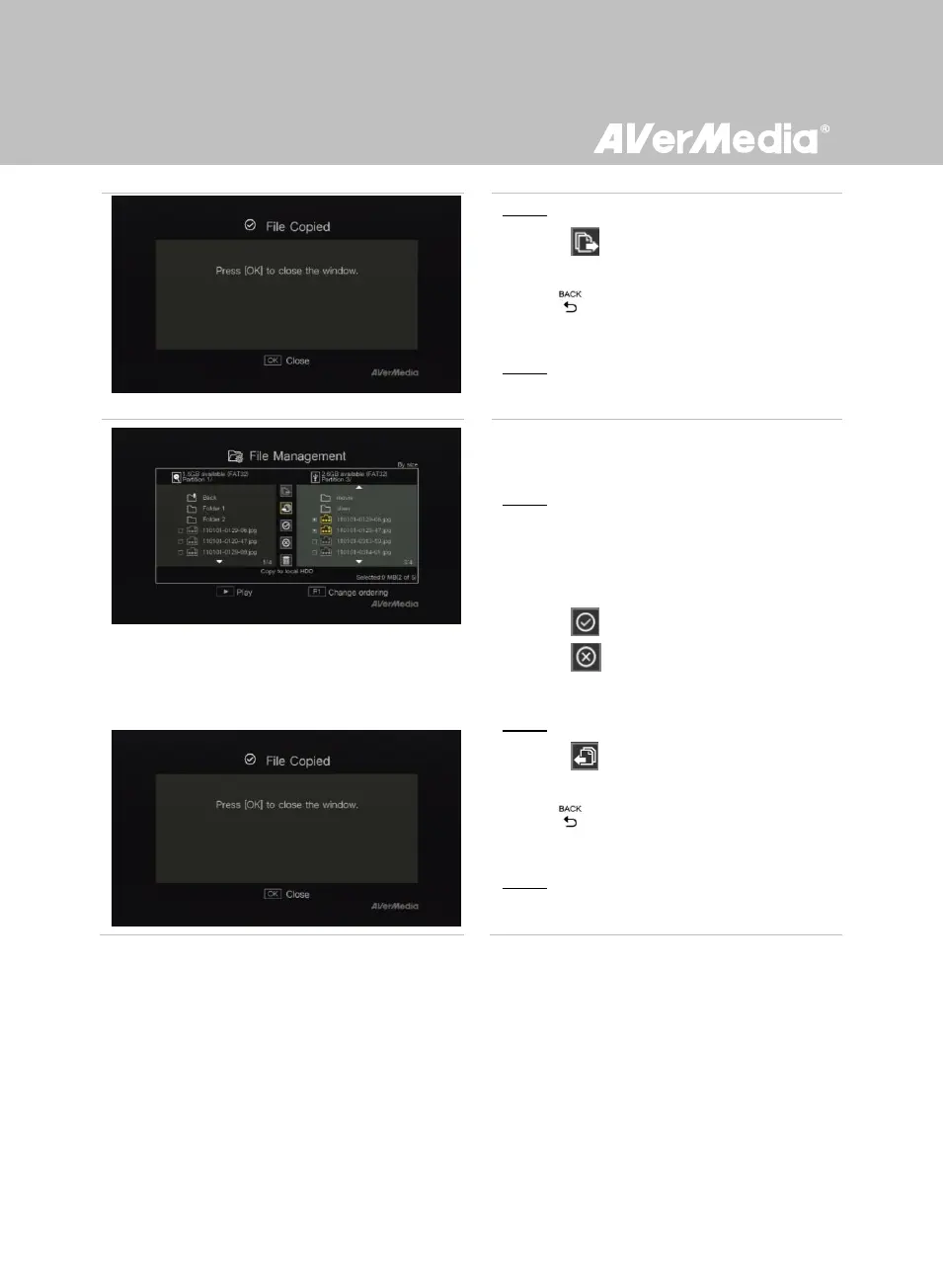
- Press OK.



 To Next Page