English-26
5.2 Gameplay Capture under Standard Mode
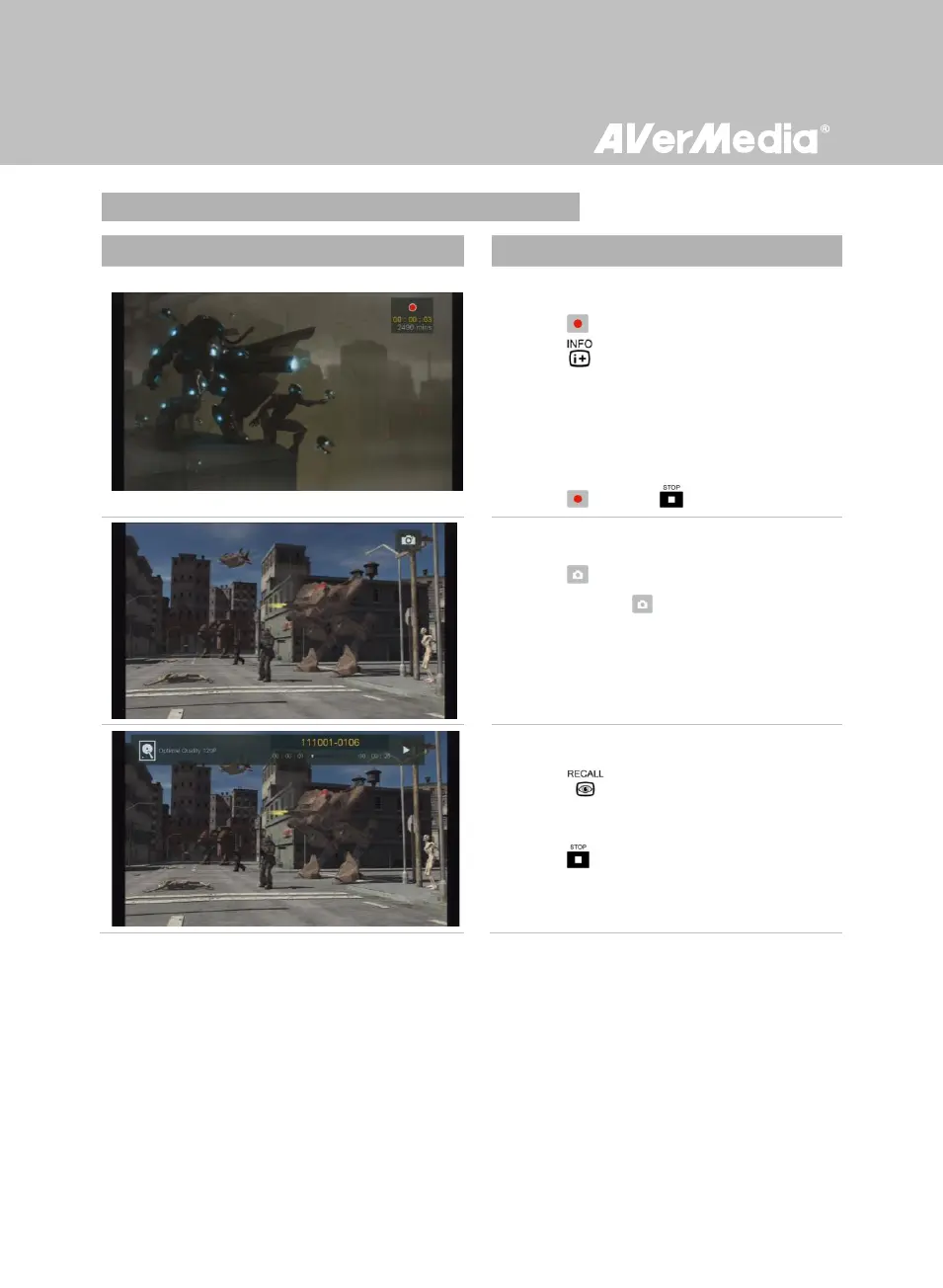
Instant Recording During Gameplay
- Press to activate instant recording.
- Press to display the recording
information, including recorded time and
an estimate of the maximum recording time
left on the disk.
- Press again or to stop recording.
Quick Snapshot During Gameplay
- Press to capture current image.
- Press and hold to take multiple
snapshots.
Instant Playback
- Press to play the last recorded file or
view the last captured image.
- Press to stop the playback.



 To Next Page