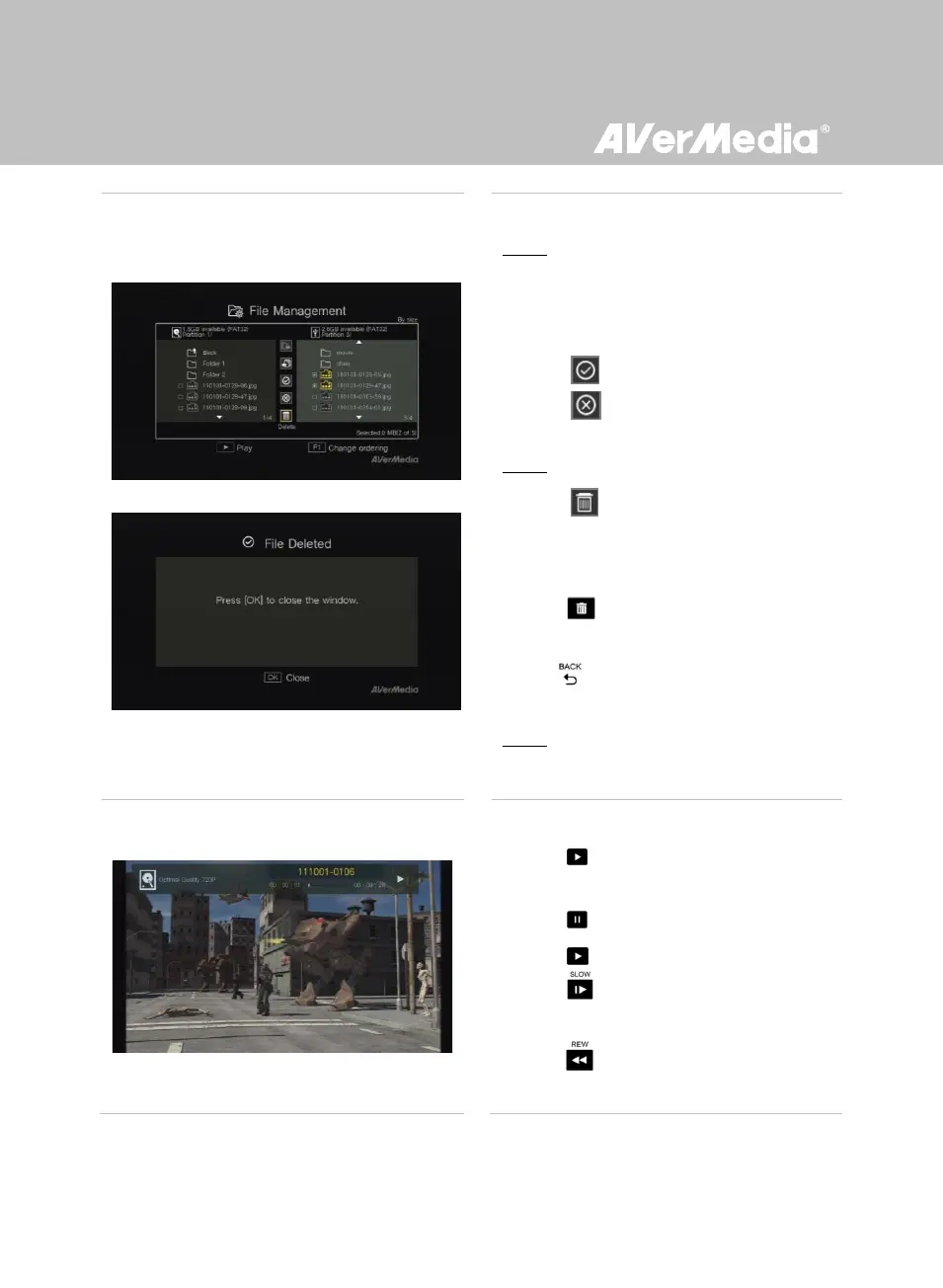
Deleting Files
Step 1:
- Use ▲/▼ to highlight the file(s) that you
want to delete. Press OK to select/unselect
an item.
- Select and press OK to select all files.
- Select and press OK to deselect all
files.
Step 2:
- Select and press OK to remove the file
from the list.
or
Press on the remote and then press
OK to remove the file from the list.
- Press to cancel deleting the files in a
progress.
Step 3:
- Press OK.
File Playback
- Press or OK to start playing the
highlighted file.
- Press or OK to pause the playback.
Press or OK to resume playback.
- Press to play the video in slow motion
(1/2x).
- Press to rewind at 2x, 4x, 8x, 16x, 32x
speed.



 To Next Page