- Press to fast forward at 2x, 4x, 8x, 16x,
32x speed.
- Press to play the file at normal (1x)
speed when slow motion / rewind /
fast-forward is active.
- Press once to restart the current
playback.
- Press twice to skip to the previous file.
- Press to skip to the next file.
- Press to stop the playback.
- Press to display the playback
information, including storage disk, recording
resolution, duration, elapsed and remaining
time, and file name.
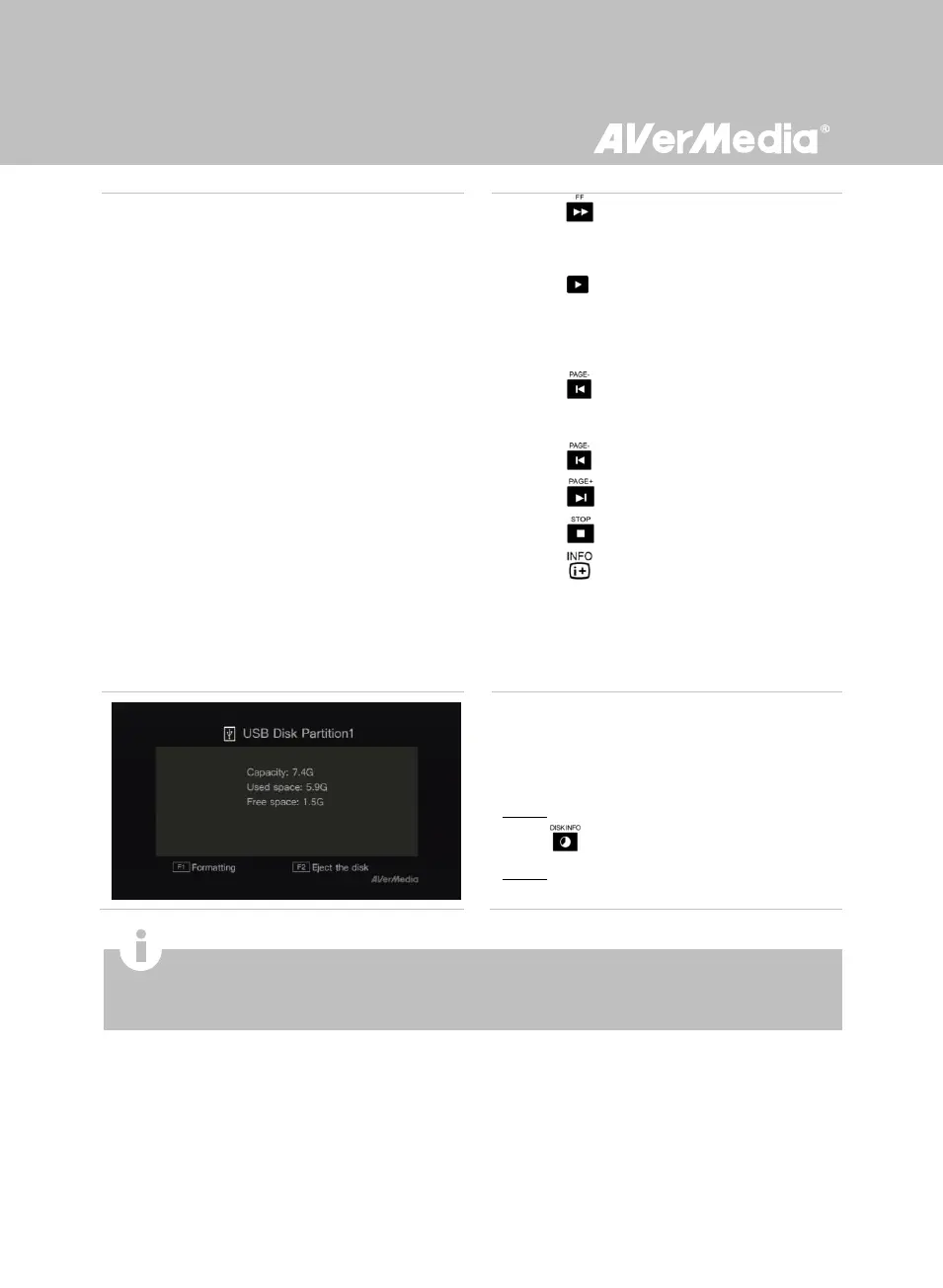
USB Storage Device Removal
In order to avoid data loss, it is highly
recommended to safely remove your external
storage device. Please follow the steps below:
Step 1:
Press on the remote control.
Step 2:
Press F2 to remove it.
A single file size that exceeds 4GB is not allowed to be copied from NTFS-formatted HDD to FAT32-formatted
USB storage device. To solve this problem, please format your USB storage device to NTFS file system or use
a NTFS formatted USB storage device.



 To Next Page