- Press to play the file at normal (1x)
speed when slow motion, rewind, or
fast-forward is active.
- Press once to restart the current
playback.
- Press twice to skip to the previous file.
- Press to skip to the next file.
- Press to stop the playback.
- Press to display the playback
information, including storage disk, recording
resolution, duration, elapsed and remaining
time, and file name.
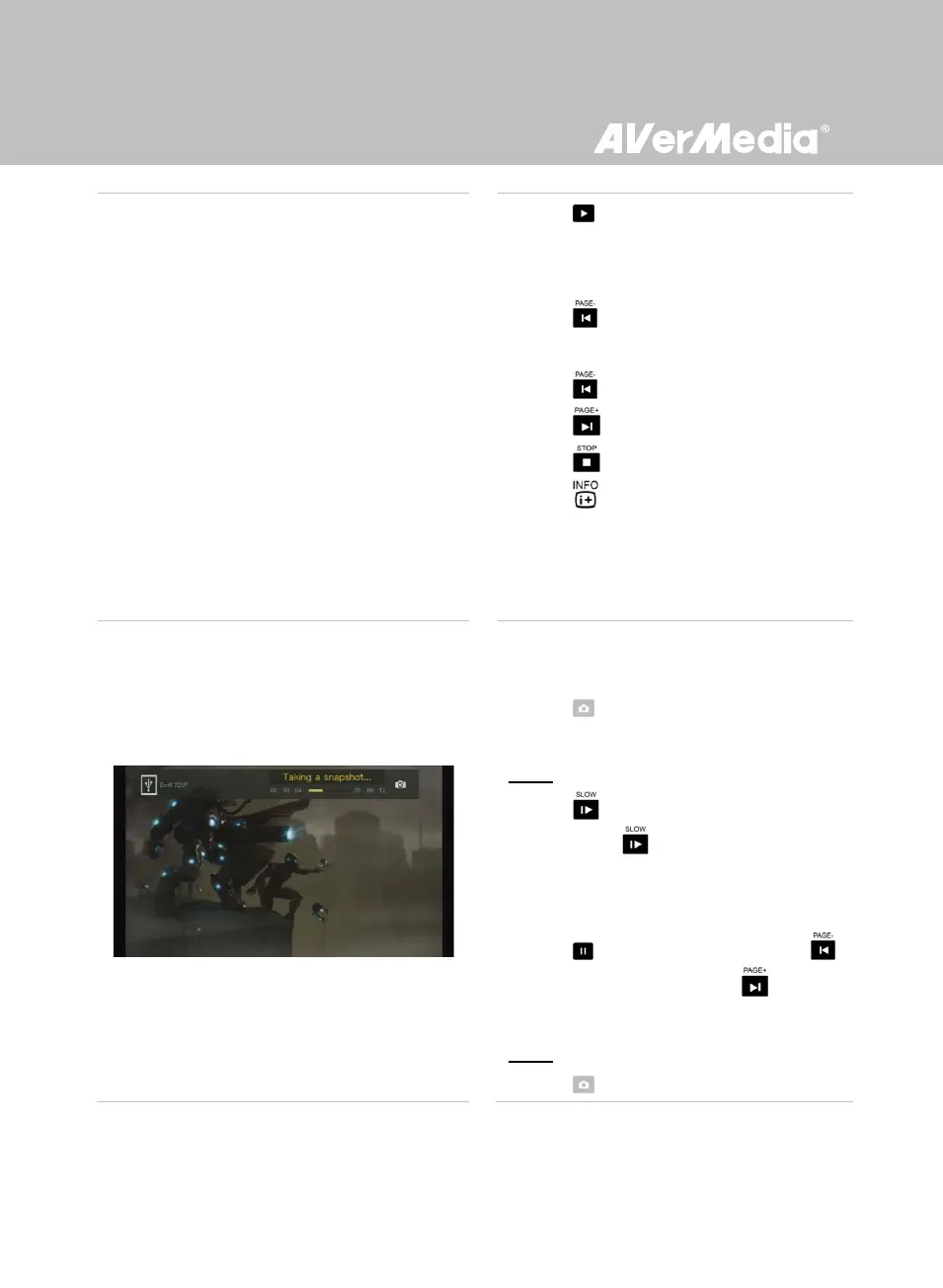
Image Capture During Video Playback
Way 1:
- Press to capture current image.
Way 2:
Step 1:
- Press to play the video in slow motion
(1/2x). Press again to view the video
frame by frame.
or
- Press to pause the playback. Press
to go to previous frame; press to go to
next frame.
Step 2:
- Press to capture your desired image.



 To Next Page