English-24
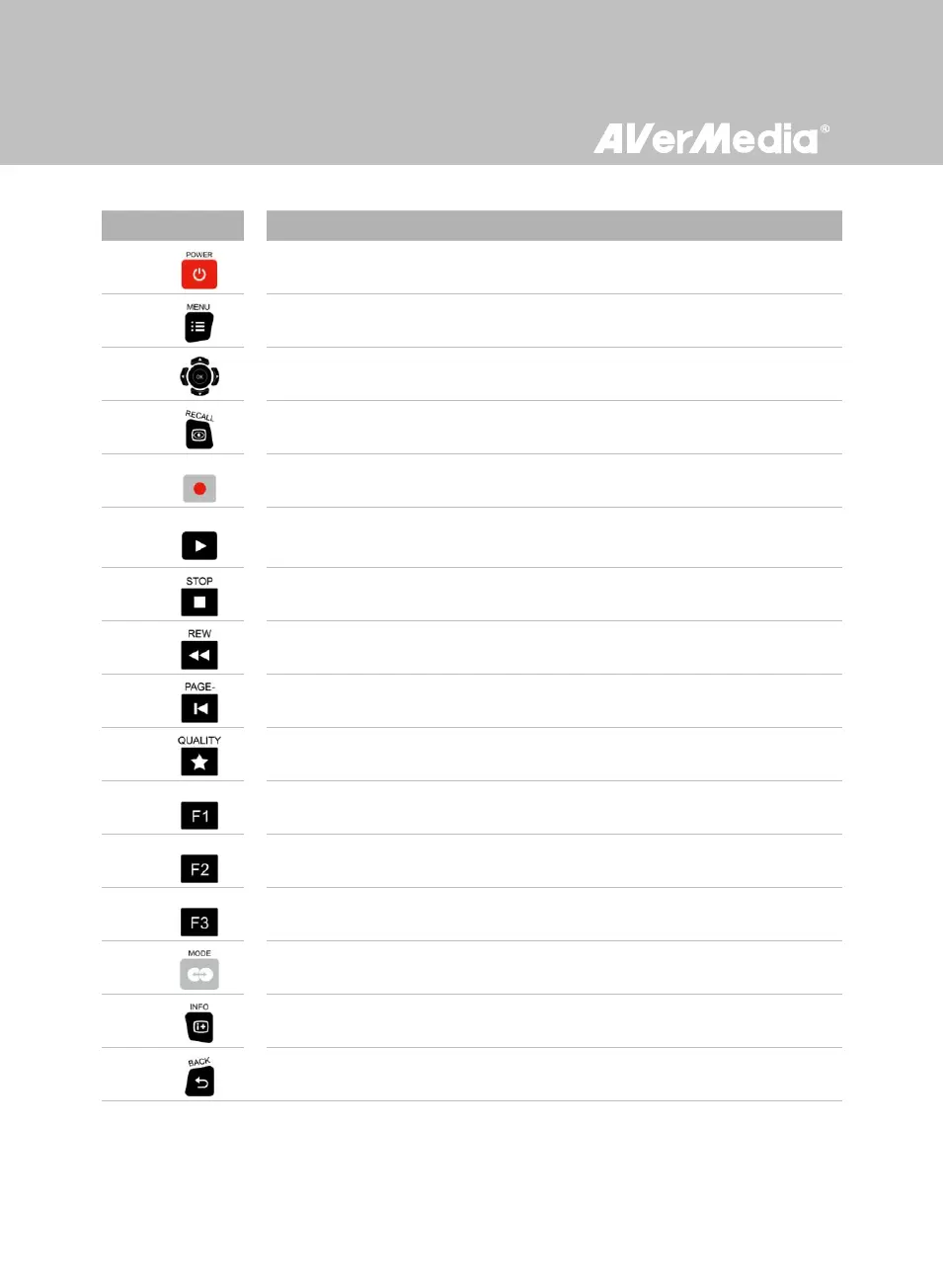
Press to turn the unit on / into stand-by mode.
* Stand-by mode: power-saving sleep mode.
Press to access the main menu. Press again to exit.
Press the navigation keys to move among options.
Press OK to confirm a selection.
Press to play the last recorded file or view the last captured image.
Press to start / stop recording.
Press to start playing the selected file.
Press to play the file at normal (1x) speed when slow motion, rewind, or
fast-forward is active.
Press to stop the playback.
Press to stop the recording.
Press to rewind (2x, 4x, 8x, 16x, 32x).
Press to return to the previous page.
Press to restart the current playback. Press again to skip to the previous file.
Press to display the video/image quality adjustment screen. Press again to exit.
(Follow the on-screen instruction)
(Follow the on-screen instruction)
(Follow the on-screen instruction)
Press to switch between Real-time Mode and Standard Mode during
gameplay (See p.25 for details).
Press to display the on-screen information.
Press to exit the current page and return to the previous page.



 To Next Page