User’s Manual
15
English Deutsch Français Italiano Español Português
Item
Description
Sort by Name Sort by ascending program names.
Sort by Service
ID
Sort by service ID.
Note:Service ID is officially used to verify “channel service”
(which is so-called “Programs”). Basically, different channel
service will be identified with different numbers.
Sort by Program
No.
Sort by Program Number.
Note: When scanning, the system will give every channel service
a number, which we called “Program No.”
4.1.3 Electronic Program Guide(EPG)
Electronic Program Guide (EPG) is a service that allows you to check the next
succeeding program schedule and even the program schedules of the whole week.
Please be noted whether EPG service is provided or not depends on the channel
providers in your region/country.
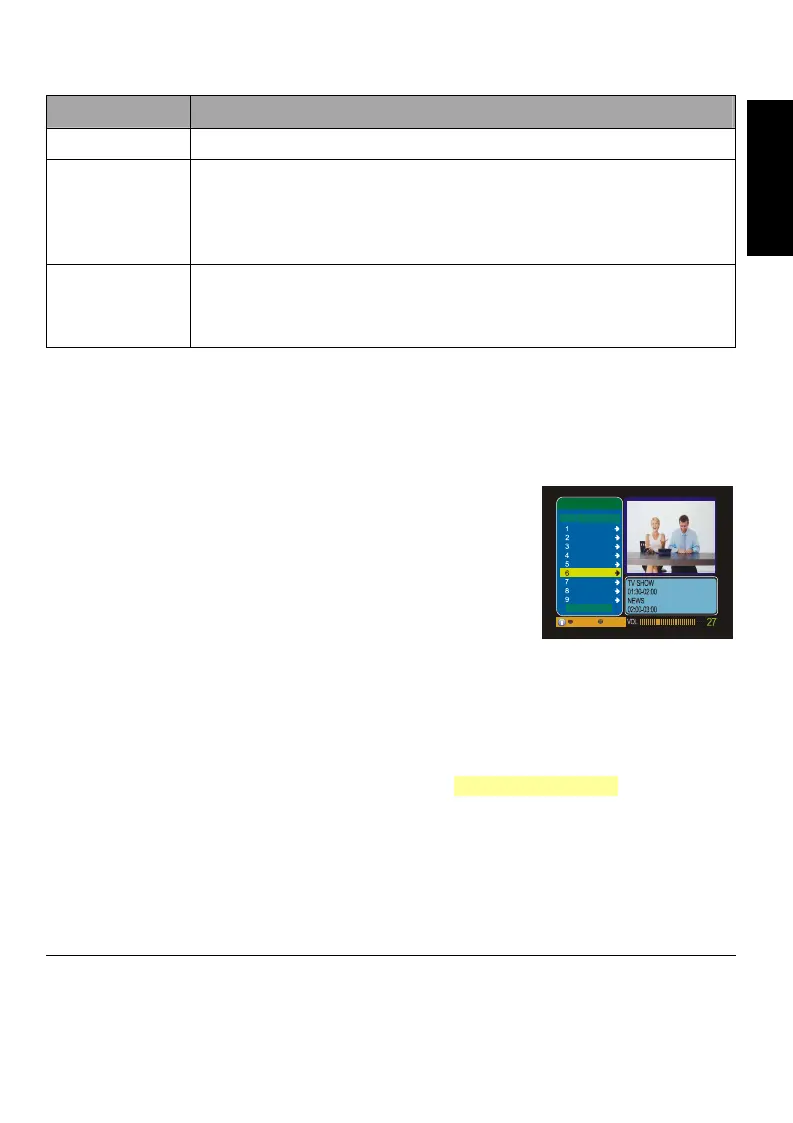
1. Press MENU to enter the menu. Choose “Porgram
Manager” → “EPG” sub page.
2. In the “EPG” page, the EPG of the selected program
lists inside the blue box located at the lower right
corner of the screen (as shown at right).
3. Press
▲/▼ to select a program and press LIST/OK.
4. Press
► to move the highlight in the blue pane. Press LIST/OK and then you
can see the program guide on that day.
Note:In this setup page, the button
◄/► can only move the highlight but cannot
adjust volume.
5. You can also see the program guide by pressing the EPG button on the remote
control. For more information, please refer to 3.4 Remote Control.
4.1.4 View Program Lists
1. Press MENU to enter the menu. Choose “Porgram Manager” → “List” sub page.
2. Select “TV Program List” or “Radio Program List”. All programs will be listed in
this page.
4.2 User Settings
You can configure your paference setting, enabel/disable the parental lock and
change your password.
TV Program List
No.
Program Name
2005/01/01 01:10
TTV
TTV-NEWS
TTV-LIFE
PTS
PTS-NEWS
FTV
FTV-EDU.
FTV-NEWS
CTV
Pg Dn Pg Up










 To Next Page