CRANECO.
280N.MIDLANDAVE.,STE258,SADDLEBROOK,NJ07663WWW.AVIDCONTROLS.COM
12/17/12 TECH-440/D.W.O. 23135 Page 11 of 55
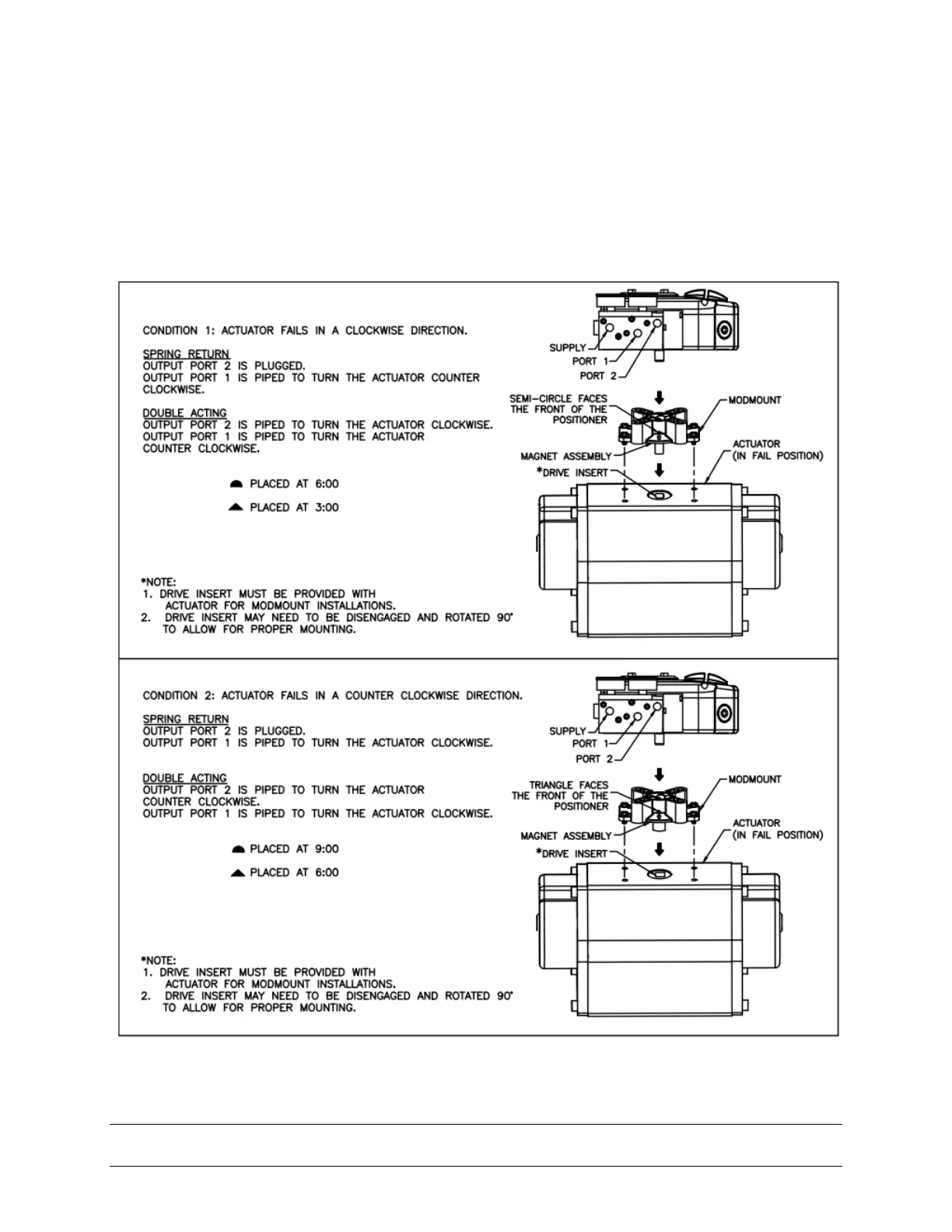
Step 2. The visual indicator needs to be properly oriented. Use the symbols on the bottom
of the indicator to mount as shown in Condition 1 or Condition 2. (see figure 3-2).
Condition 1 and Condition 2
show the placement of the indicator with respect to the positioner housing while the
actuator is in the fail position.
Step 3. Mount the positioner with Modmount bracket to the actuator. As stated in Step 2
make sure that the positioner is mounted in a fashion that properly orients it with respect
to the indicator.
Figure 3-2


 To Next Page