16
EN
C - INSTALLATION
COLOUR VIDEO INTERCOM 7"
The intercom panel will beep 4 times.
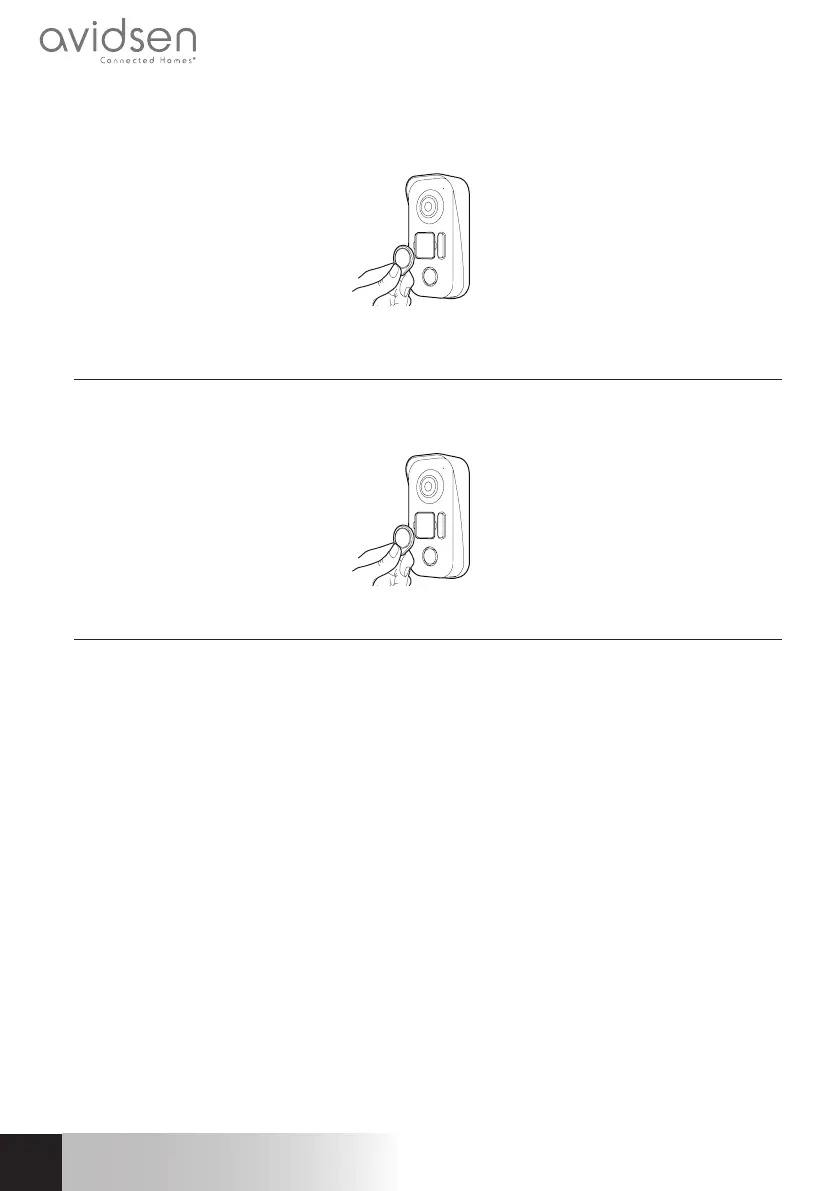
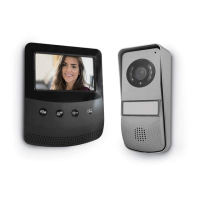
Within the next 10 seconds, pass one of the user badges in front of the name plate.
The intercom panel will beep once. Wait 10 seconds for the intercom panel to exit add mode.
3.3.3 - DEACTIVATING ALL BADGES
Pass the administrator badge in front of the name plate to deactivate all of the recognized badges.
(including the add badge).
3.3.4 - SELECTING THE ACTION ASSOCIATED WITH THE USER BADGES
The RFID badges enable both the electric strike plates and the door controls to open. The function is
selected according to how long the RFID badge is held under the scanner.
If scanned briefly, the electric strike plate opens. If held for a longer period (3 secs), the door control
opens


 To Next Page