14
5 Overview of Premium Security Suite
This chapter contains an overview of the functionality and operation of Premium
Security Suite.
– see Chapter Interface and operation
– see ChapterHow to...?
5.1 User interface and operation
Your operate Premium Security Suite via three program interface elements:
– Control Center: Monitoring and control of Premium Security Suite
– Configuration: Configuration of Premium Security Suite
– Tray Icon in the system tray of the taskbar: Open the Control Centre and other
functions
5.1.1 Control Center
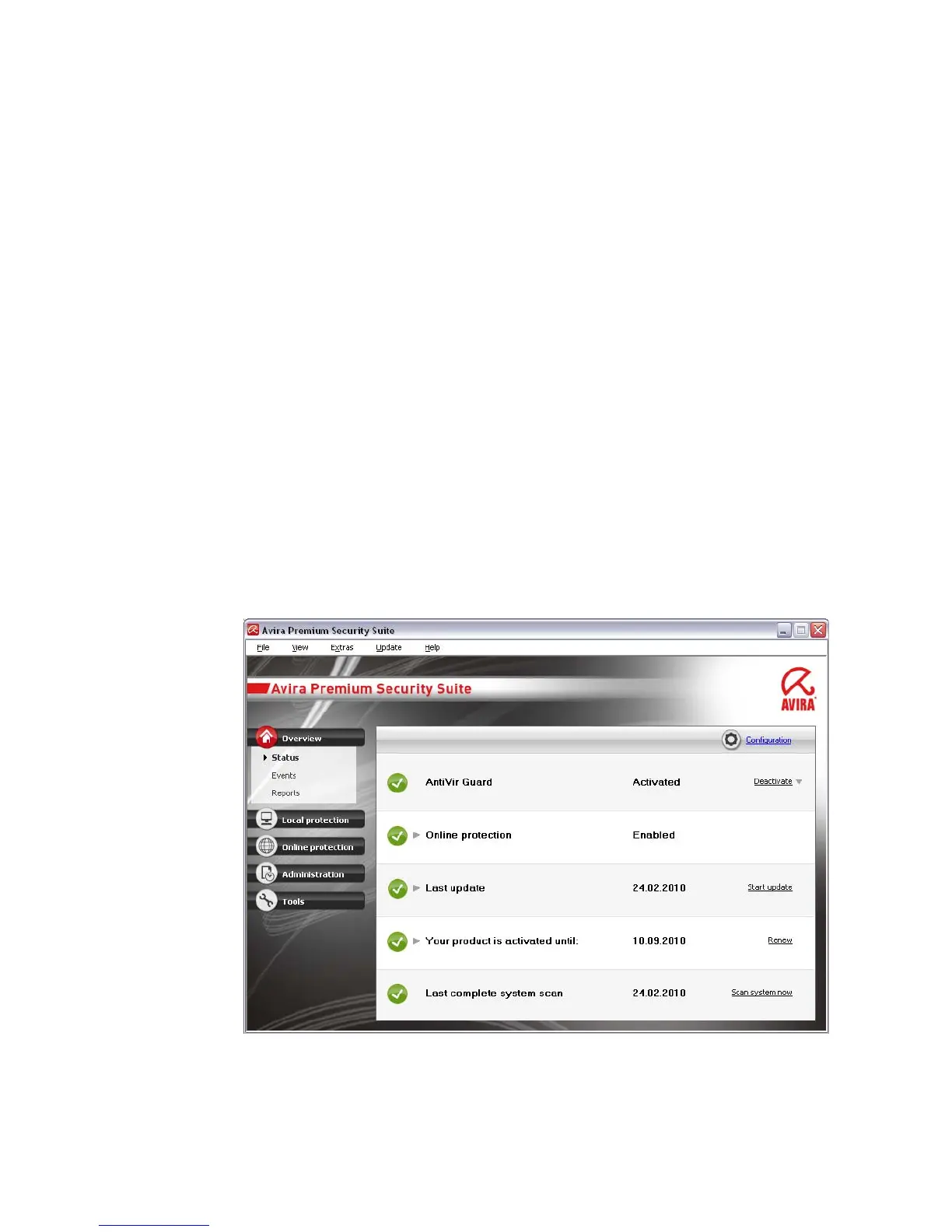
The Control Center is designed to monitor the protection status of your computer
systems and control and operate the protection components and functions of Premium
Security Suite.
The Control Center window is divided into three areas: themenu bar, thenavigation
bar and the detail windowview:
– Menu bar: In the Control Center menu bar, you can access general program
functions and information on Premium Security Suite.



 To Next Page