Avira Premium Security Suite
84
If this option is enabled, the attachment is ignored despite detection of a virus or
unwanted program and delivered.
Warning
If you select this option, you have no protection against viruses and unwanted programs
by the MailGuard. Only select this item if you are certain you know what you are doing.
Disable the preview in your email program, never open attachments by double-clicking!
13.3.1.2. Other Actions
This configuration section contains other settings for actions performed when
MailGuard finds a virus or unwanted program in an email or in an attachment.
Note
These actions are performed exclusively when a virus is detected in incoming emails.
Default text for deleted and moved emails
The text in this box is inserted in the email as a message instead of the affected email.
You can edit this message. You can enter a maximum of 500 characters.
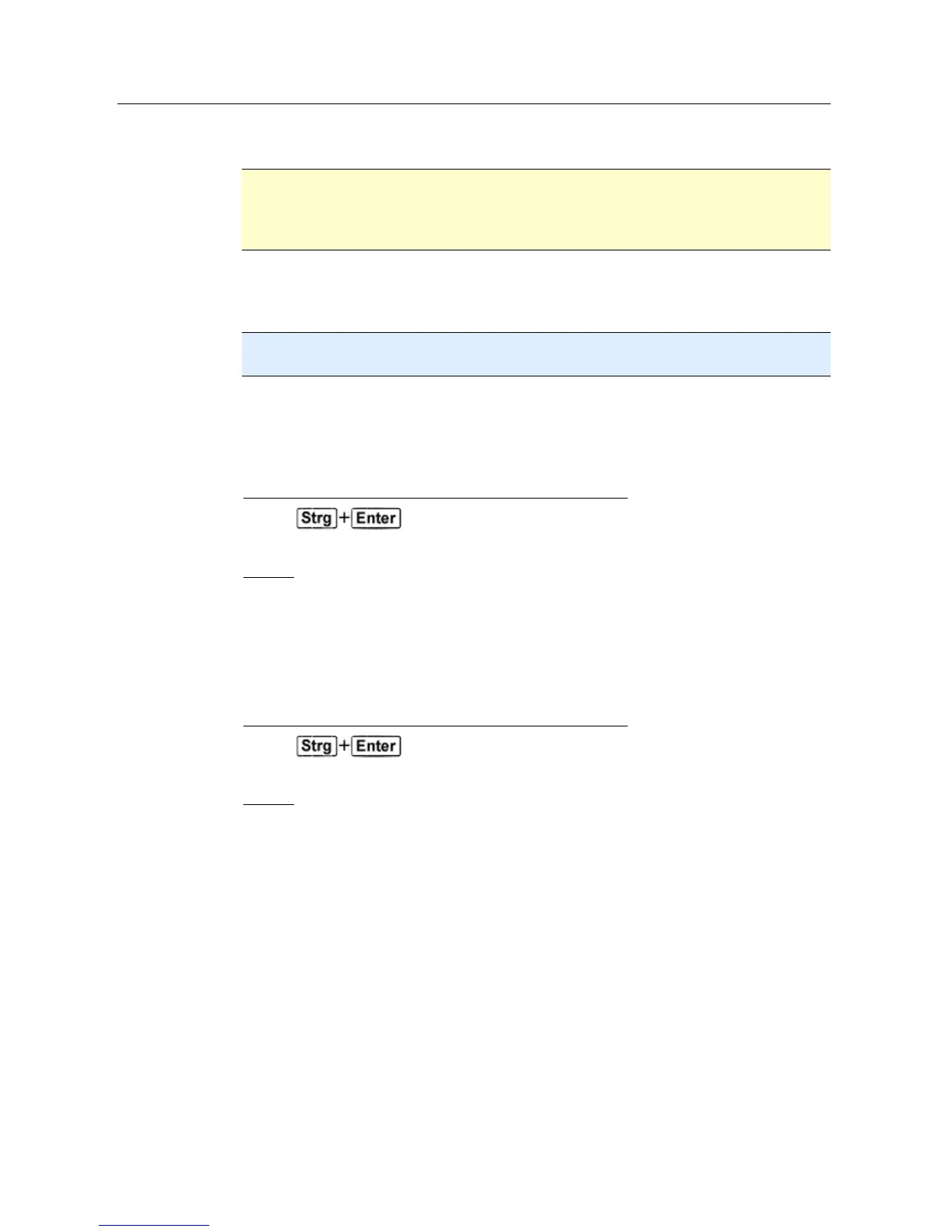
You can use the following key combination for formatting:
inserts a line break.
Default
The button inserts a pre-defined default text in the edit box.
Default text for deleted and moved attachments
The text in this box is inserted in the email as a message instead of the affected
attachment. You can edit this message. You can enter a maximum of 500 characters.
You can use the following key combination for formatting:
inserts a line break.
Default
The button inserts a pre-defined default text in the edit box.
13.3.1.3. Heuristic
This configuration section contains the settings for the heuristic of the Avira Premium
Security Suite search engine.
Avira Premium Security Suite contains very powerful heuristics that can proactively
uncover unknown malware, i.e. before a special virus signature to combat the damaging
element has been created and before a virus guard update has been sent. Virus detection
involves an extensive analysis and investigation of the affected codes for functions
typical of malware. If the code being scanned exhibits these characteristic features, it is
reported as being suspicious. This does not necessarily mean that the code is in fact
malware. False positives do sometimes occur. The decision on how to handle affected
code is to be made by the user, e.g. based on his or her knowledge of whether the source
of the code is trustworthy or not.



 To Next Page