2
2 Icons and emphases
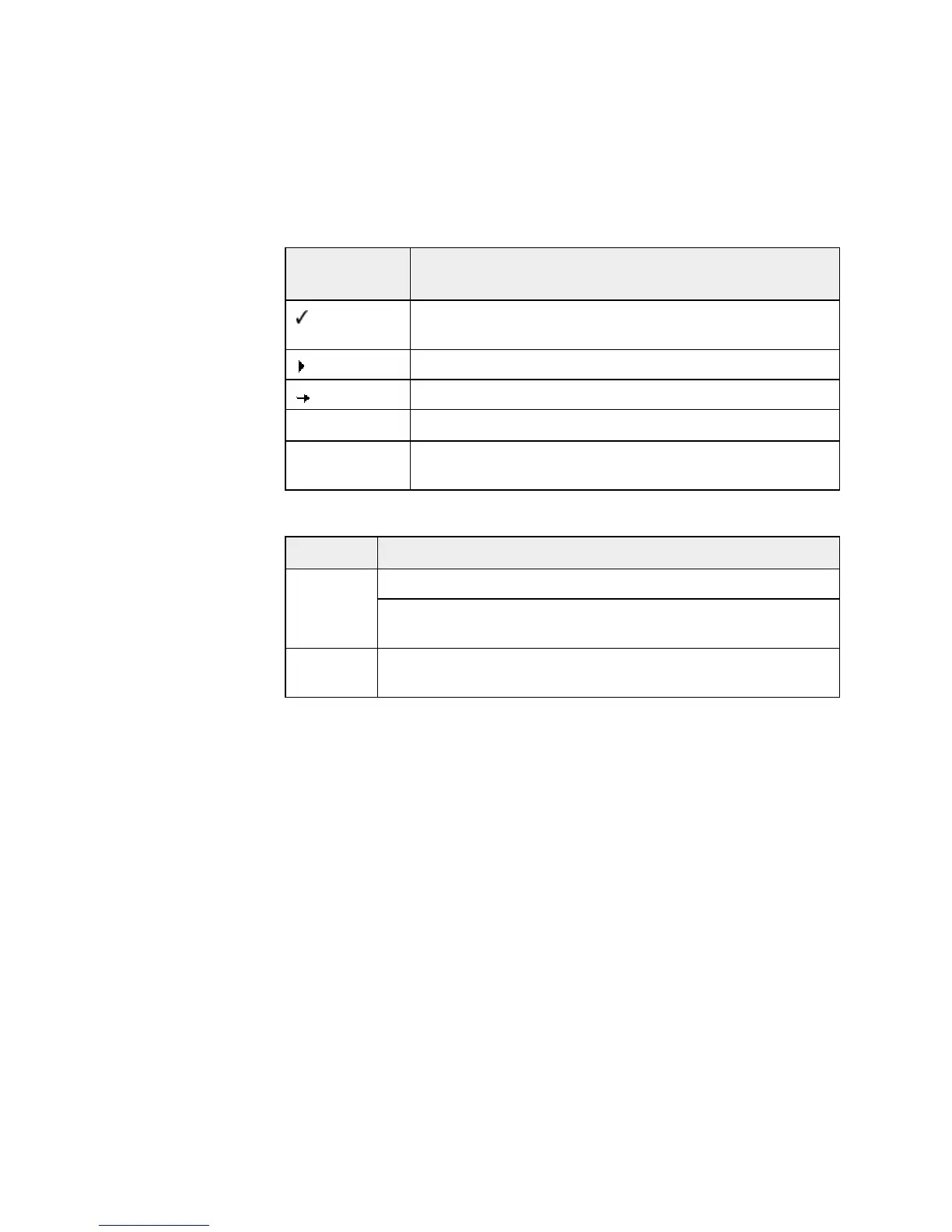
The following icons are used:
Icon /
Designation
Explanation
Placed before a condition which must be fulfilled prior to
implementation.
Placed before an action step that you implement.
Placed before an event that follows the previous action.
Warning
Placed before a warning of the danger of critical data loss.
Note
Placed before a link to particularly important information or
a tip which makes Avira Premium Security Suite easier to use.
The following emphases are used:
Emphasis Explanation
File name or path data.
Cursive
Displayed software interface elements (e.g. window heading,
window field or options box).
Bold
Clicked software interface elements (e.g. menu item, section or
button)



 To Next Page