3. Operation
The Scan Tab: The Scan tab contains the following filing destination including
FTP/CIFS Setup and MFP’s Storage.
FTP/CIFS Setup: Used to display all destinations or create a new FTP or CIFS
destination to store the scanned images.
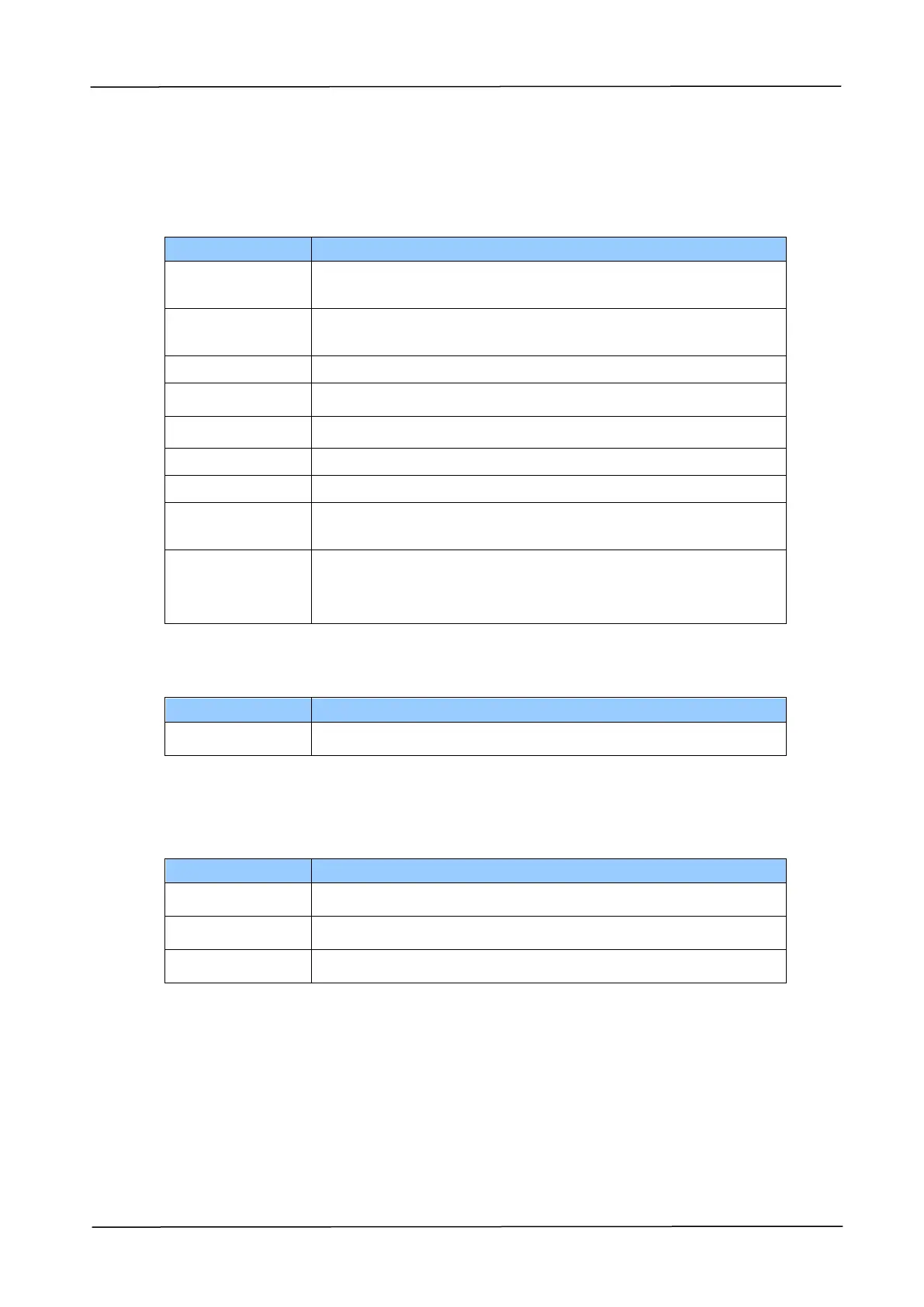
Click to add a new destination. Please enter your
settings for the following items.
Input the URL of a filing server.
Type the port number of your filing server.
Type the login name of your filing server if required.
Type the password of your filing server if required.
Check a file destination, and click this button to copy this
destination settings including Protocol, URL, Port, Login
Name, and Password.
MFP’s Storage: Used to download and delete files stored in the machine’s memory.
Download and delete files in a folder.
The Print Tab: The Print tab allows the administrator to print a file from a
computer.
Select a file name from a computer.
Select the 1-sided or 2 sided printing.



 To Next Page