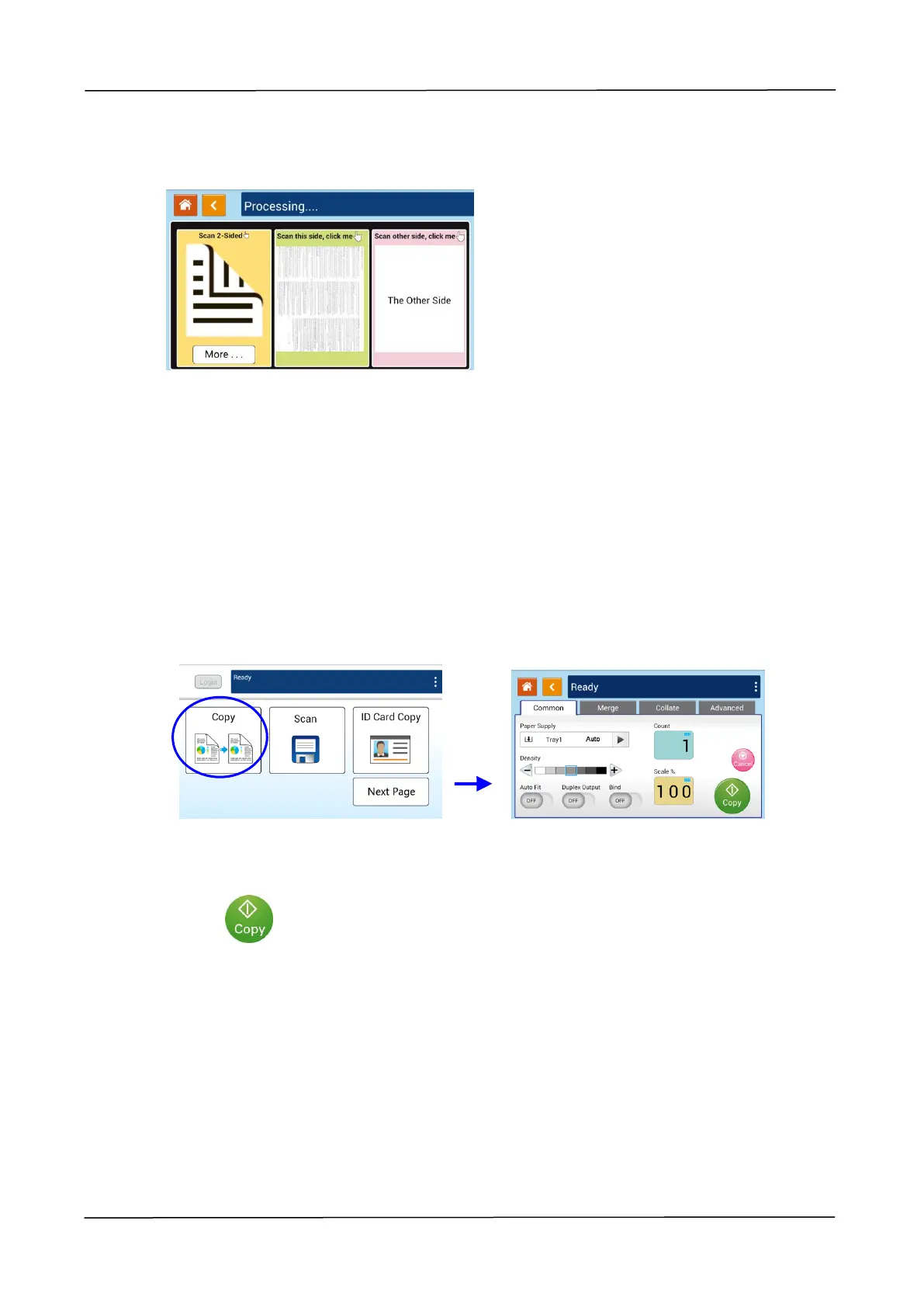
(2) Change your copy settings and then press「<」to return to the main page.
(3) Choose one side or 2 sides, then the copy will begin.
Flatbed Copy
1. Make your document with text FACE DOWN on the document glass.
2. Tap the 「Copy」button on the main screen, and the following 「Copy」screen will
be displayed.
Confirm or change Copy options as desired such as Paper Supply, Scaling, Density,
Auto Fit, Bind, and Duplex Output.
3. Press to complete.



 To Next Page