2. Installing Your Machine
Loading The Main Input Tray
To insert paper to the input trays (The following instructions use the main input tray
as an example.),
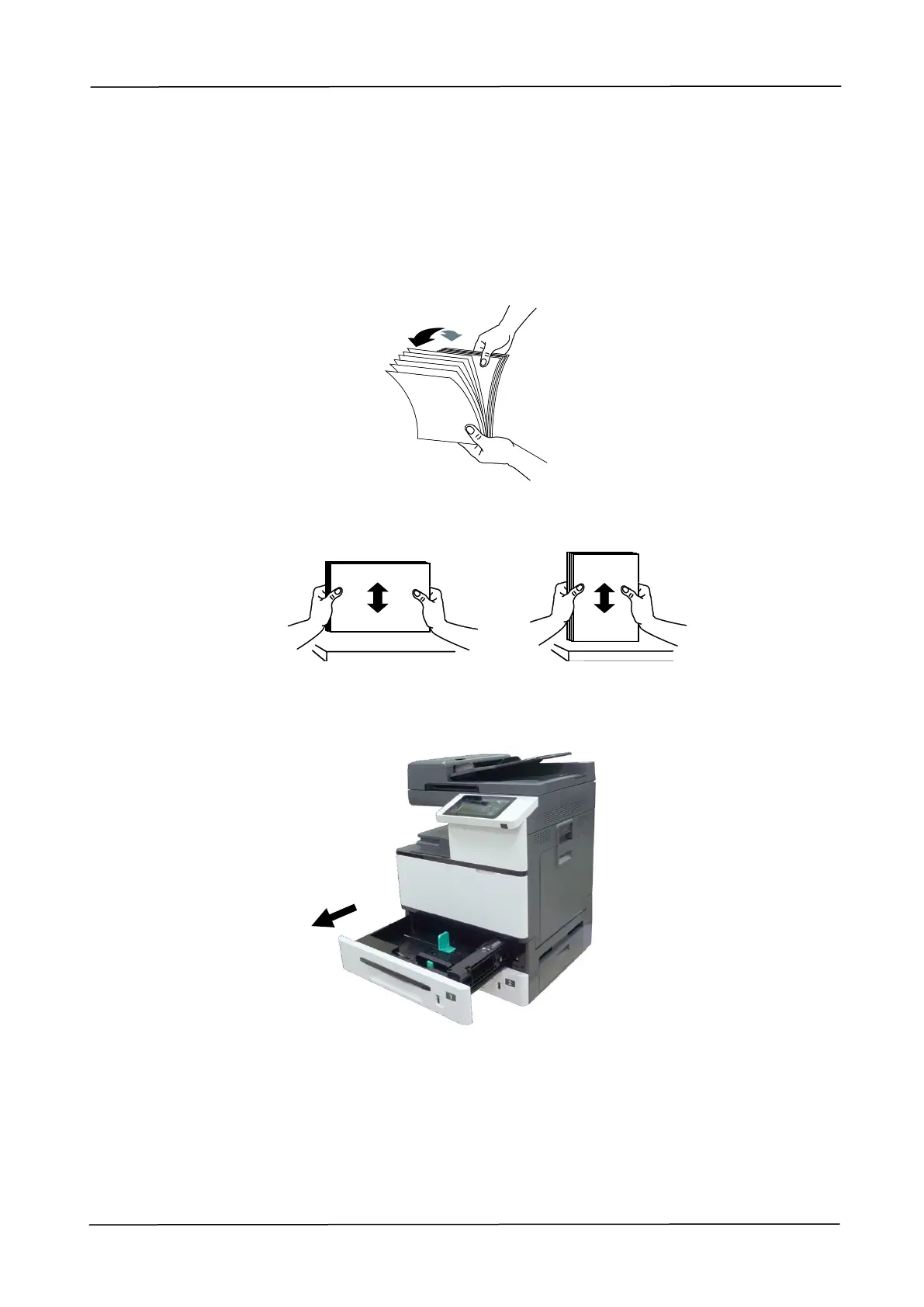
1. Fan your paper first to ensure that the pages do not stick together.
2. Align the edges of the documents by tapping the bottom of the stack against the
table top. Rotate the stack 90 degrees and repeat.
3. Pull out the main input tray.



 To Next Page