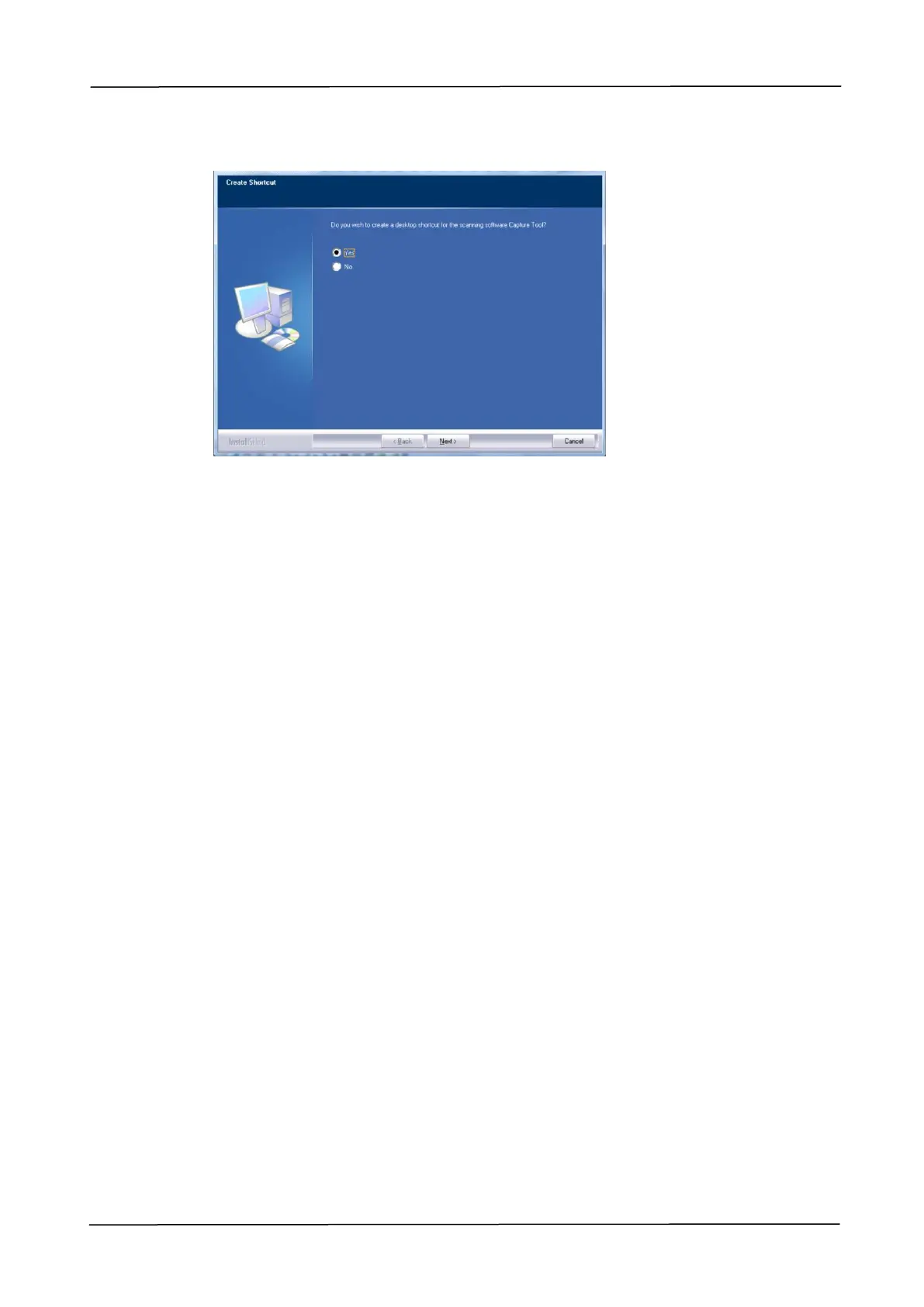
2. Installing Your Machine
7. When the Finish dialog box appears, choose 「Finish」to complete.
If you have successfully installed the printer’s driver, you will find a printer,
「Avision AMXXXX NetWork」, has been added in the 「Printers and Faxes」
option from the Control Panel. (XXXX indicates your model number)
Uninstalling the Scanner Driver and Printer Driver
1. From the 「Start」menu, select 「All Programs」, 「Avision AMXXXX MFP」, and
then 「Uninstall Driver」.
Or from the 「Start」menu, select 「Control Panel」, 「Add or Remove
Programs」, 「Avision AMXXXX MFP」, and then 「Remove」.
2. Follow the instructions on the screen to complete removing the scanner driver
and the printer driver.



 To Next Page