Establishing a Wireless LAN Connection with Windows Wireless Service
17
Establishing a Wireless LAN Connection in Windows XP
1. Click the WLAN icon in the notification area of the
Windows task bar.
A list appears on the screen, showing all wireless net-
works (mostly WLAN access points) found in the vicinity
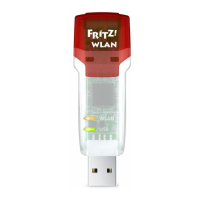
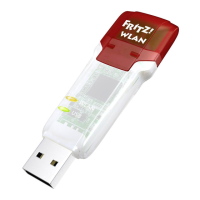
of the FRITZ!WLAN USB Stick.
Wireless networks in the vicinity of the FRITZ!WLAN USB Stick
2. Select a wireless LAN access point and click “Connect”.
The window for entering the wireless LAN key appears.
Window for entering the network key
3. Enter the network key of the wireless LAN access point
twice and then click “OK”.
The wireless LAN connection is established and resumed
automatically every time the computer is started.
On a FRITZ!Box the network key is found on the base of
the device.
N_man_en.fm Seite 17 Freitag, 27. Mai 2016 2:21 14







 To Next Page