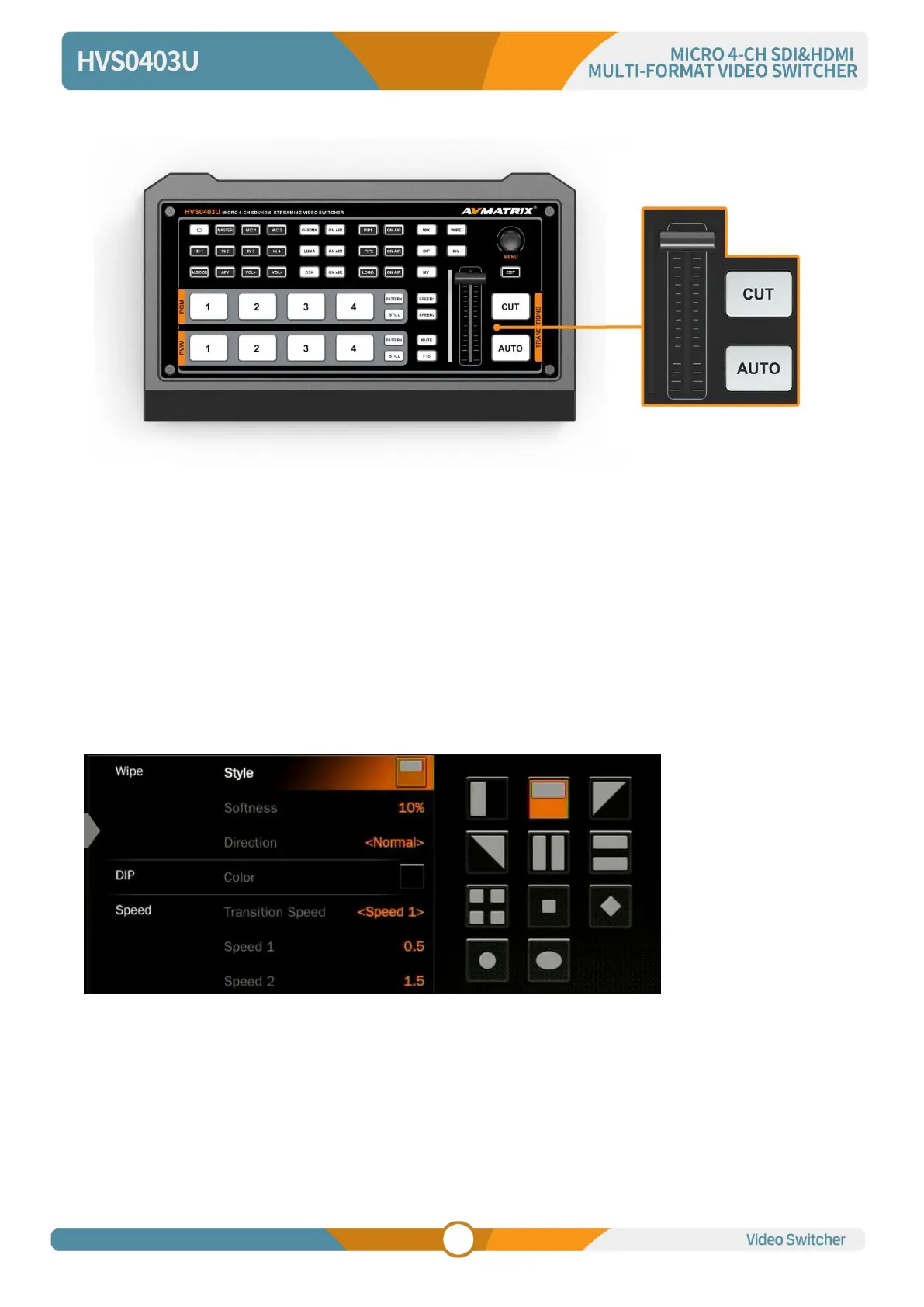
depends on the speed of the manual switch.
8. TRANSITION EFFECT
The video switcher provides various transition effects and types for user’s choice, including WIPE, DIP,
MIX.
8.1. WIPE
Press the WIPE button to perform the wipe transition effect. User can choose different style of WIPE
through menu; as well as set the softness of edge. Select the direction from Normal/ Invert/ Flip-Flop
when use AUTO transition.
Press the INV button to invert the selected wipe so it acts in the opposite direction.
8.2. DIP
Press the DIP button to perform the DIP transition effect. User can select the various color for DIP from
the palette on menu. The default color is black.



 To Next Page